Open in Studio
Centered App Spotlight Stack
Light lattice page with one large app logo tile, bold app name, three-line centered pitch with bold keywords, tilted aside and Swipe cue.
Minimalpointscreenshot
为小红书图文笔记设计的标准 3:4 比例模板。统一品牌人设、干货排版与高点击封面。
小红书图文笔记是在双列信息流里先被“看到封面”,再被点开翻页的。封面决定点击,内页决定收藏。干货清单、App 与好物推荐、教程步骤、个人经验分享,是最适合做成多图笔记的内容。
下面的模板按小红书的使用习惯挑选:大字封面、手机截图展示、图标拼贴、步骤页和收藏引导页,信息过密的数据长文页不放在这里。所有模板都以 3:4(1080×1440px)竖图打开。
Agent Automation
Generate this deck directly with your local AI Agent (Claude Code, Cursor, Codex):
29 Xiaohongshu templates
Light lattice page with one large app logo tile, bold app name, three-line centered pitch with bold keywords, tilted aside and Swipe cue.
App Store cover: dual iPhone slots for log gym equipment → auto training plan.
Uniform review page: black circle with white list number at left, edge-hugging black capsule with app icon at top right, bold app name, plum tagline, pitch with bold keywords, rounded tablet frame holding a website screenshot, Swipe cue.
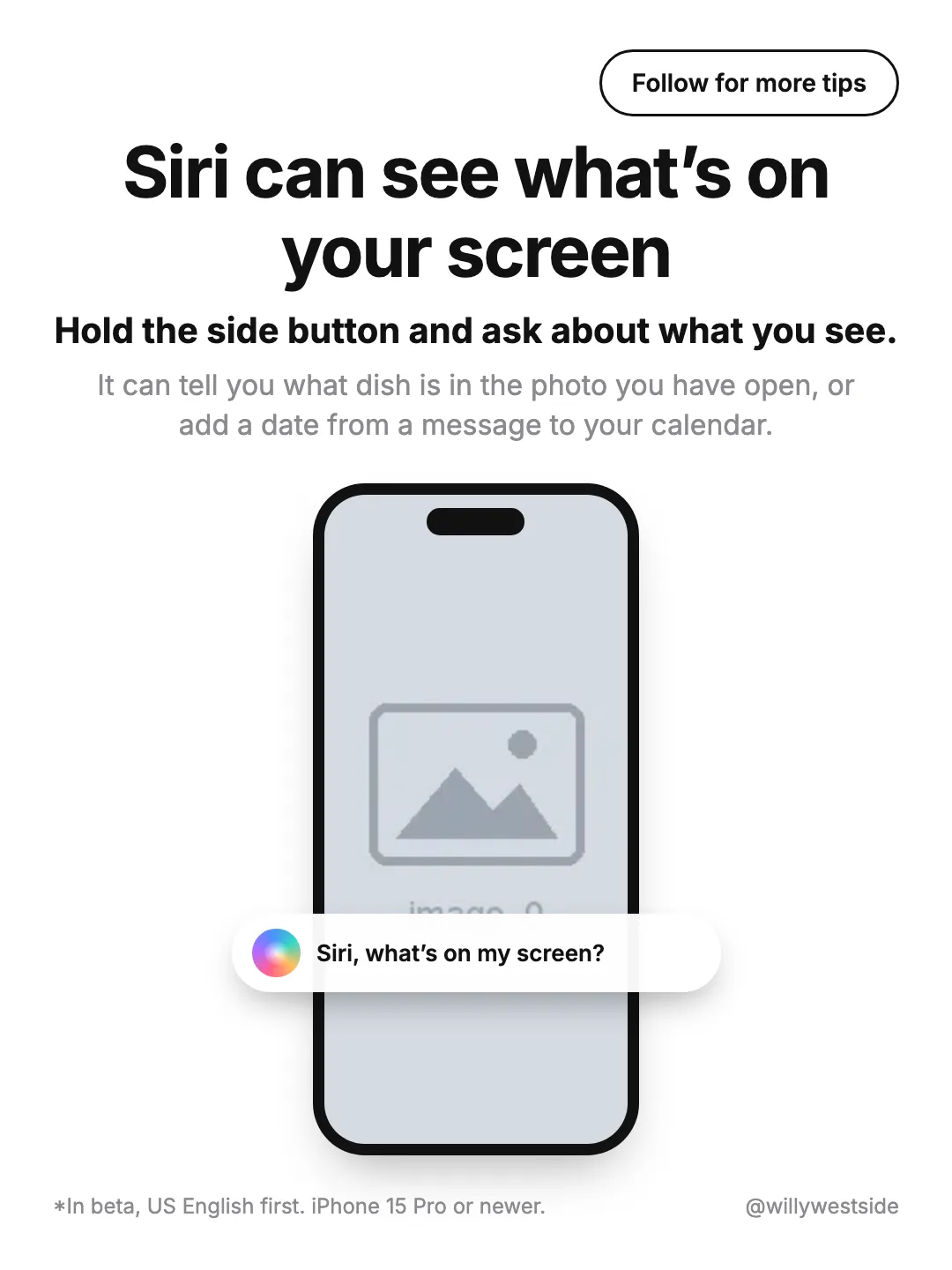
Clean white tip page: Follow pill top right, bold centered headline, bold how-to line, grey explanation, one iPhone mockup with a floating white voice-prompt capsule (gradient orb + prompt text), footnote and handle on the bottom edge.
App Store promo: iPhone screenshot slot + Apple logo slot on Download badge.
Clean white tip page: bold centered headline, bold menu path, grey explanation, two side-by-side iPhone mockups with screenshots, footnote bottom left and creator handle bottom right.
Minimal light-grey cover: two-line bold centered list title and three app icons stepping diagonally from top left to bottom right with soft shadows.
Light lattice cover: huge two-line title (accent word + black heavy headline), accent subtitle, grey capsule with five app-logo tiles, italic aside and Swipe cue.
Light lattice cover with four tilted app tiles in the corners orbiting a two-line heavy title with gradient lead, subtitle, emoji and Swipe cue.

Full-bleed personal photo with a TikTok-style outlined two-line caption (bold keyword + small line) at the top-left.
Clean white cover: outlined Follow pill top right, huge bold centered headline, grey subline, three staggered iPhone mockups previewing the screenshots inside the carousel.
Warm peach App Store edit cover with dual iPhone screenshot slots and English editorial title.
Quiet lattice closing page: italic lead line, heavy uppercase SAVE FOR LATER and an outline bookmark glyph dead center.
Minimal close on the light lattice: one centered line with a single bold plum keyword asking viewers to bookmark the post.
Clean white closing page: outlined Follow pill top right, big bold left-aligned greeting, two grey lines of pitch, round avatar beside a black FOLLOW ME capsule with handle, handle watermark bottom right.

Founder cover 1/5: office portrait + serif title + quote hook on AI-Native team differences.
Off-white page with a centered title + 2-line caption on top and a large iPhone frame rising from the bottom edge.
Off-white page with a centered title + 2-line caption and a large iPhone frame rising from the bottom, tuned for dark lock-screen captures.
Off-white page with an iPhone frame bleeding off the top (bottom edge of the screen visible) and a centered title + 2-line caption below.
Light gray page with a tall iPhone frame on the left (screenshot slot) and a short step title plus 3-line instruction on the right.
Light gray page with a tall iPhone frame on the left (screenshot slot) and a three-line how-to headline on the right.
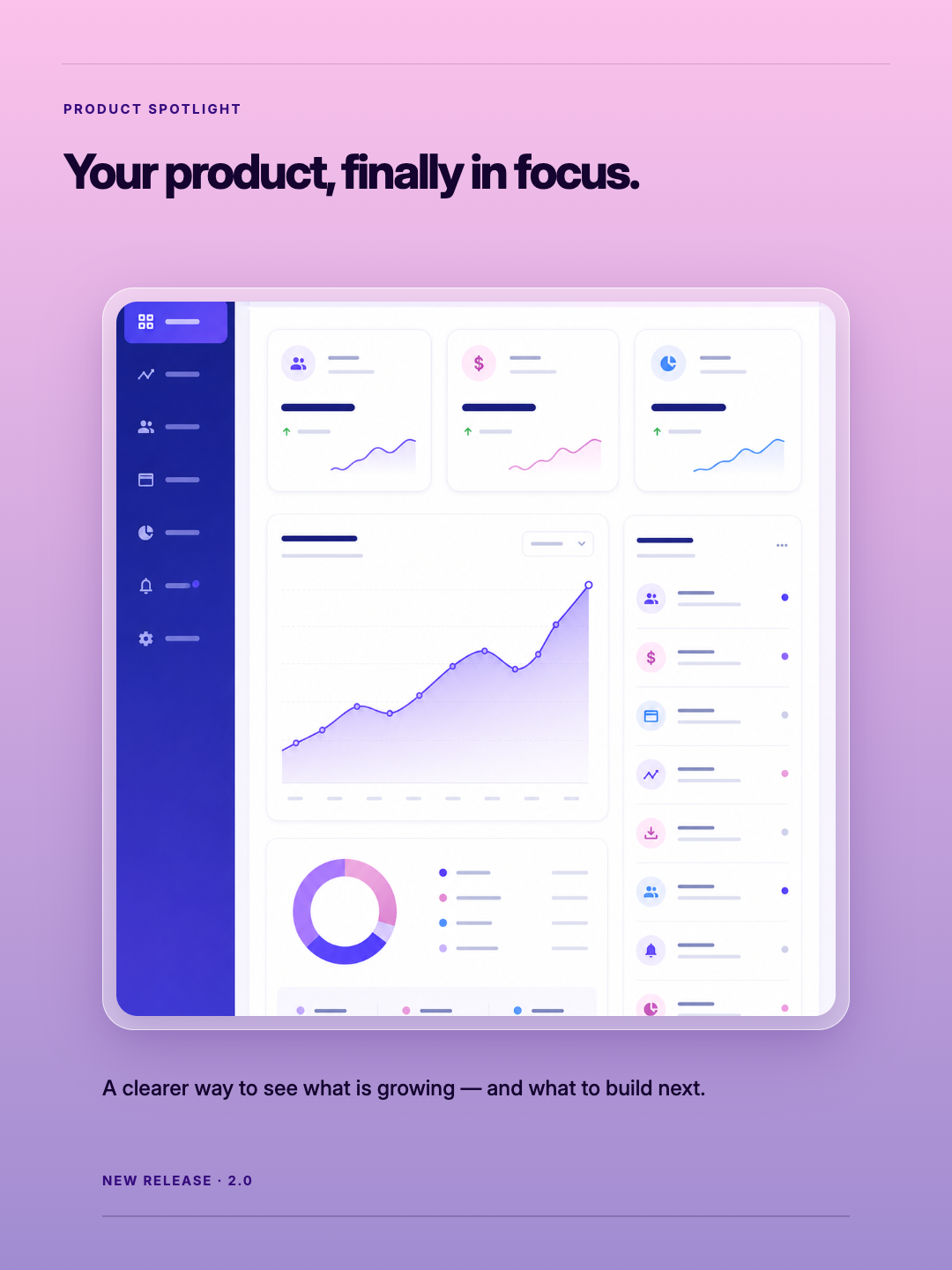
A prismatic product reveal that centres one replaceable interface screenshot on a soft Night Fade gradient.
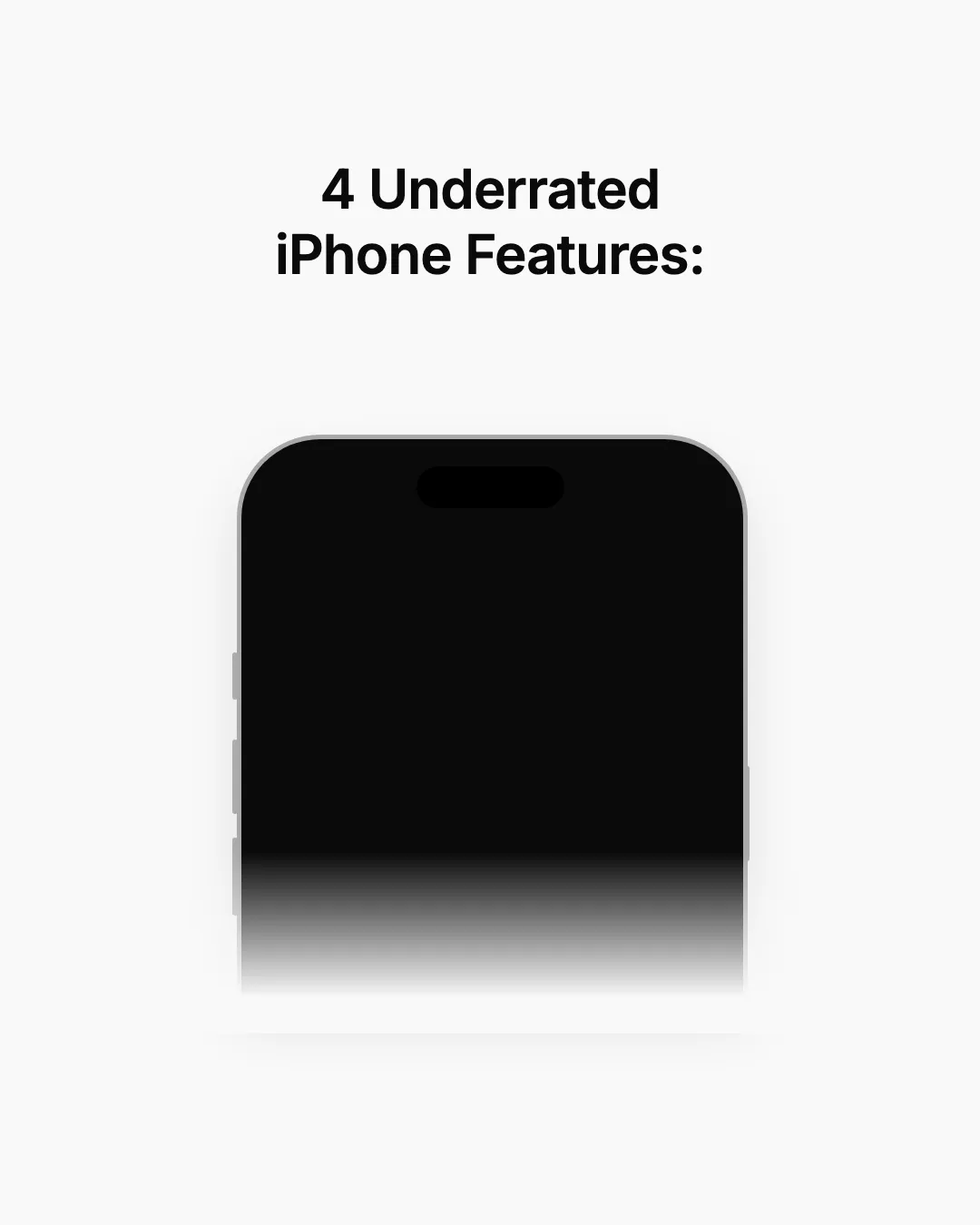
Off-white cover with a bold two-line headline above an iPhone frame whose lower half fades into the background.
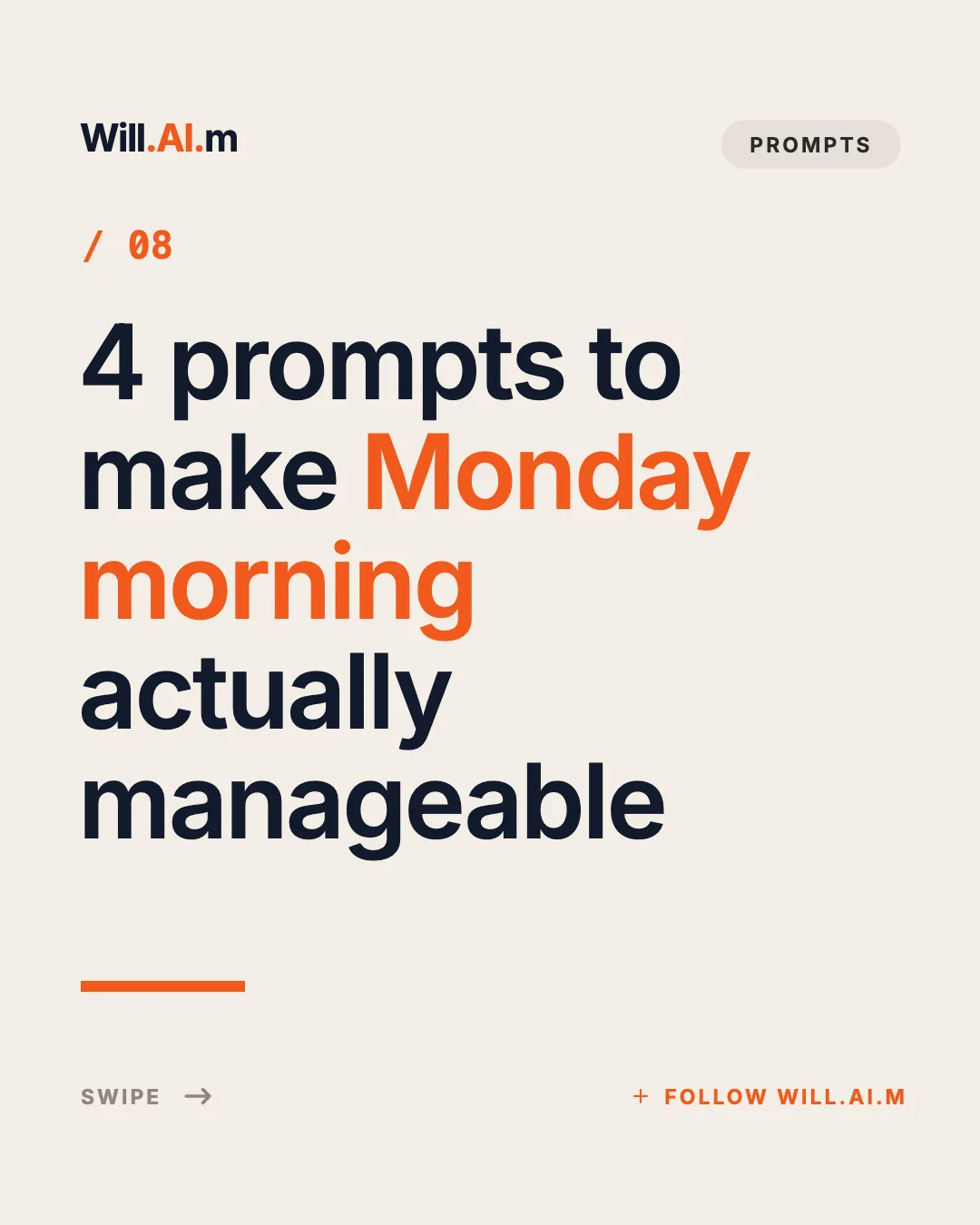
Cream editorial cover: wordmark + tag pill, orange issue number, five-line giant headline with an accent phrase, orange rule and swipe/follow footer.
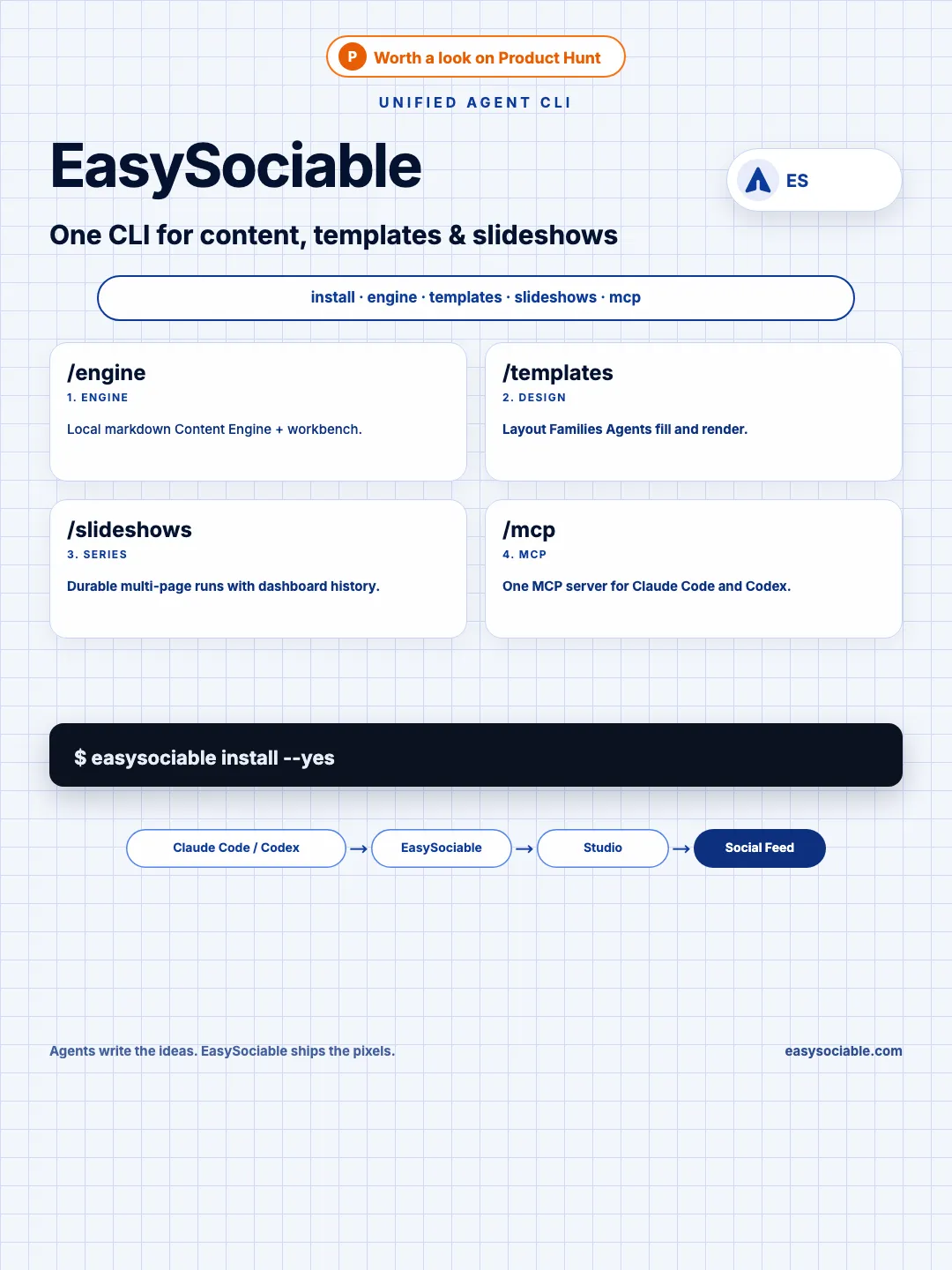
Product Hunt cover for the unified easysociable CLI: Content Engine, templates, slideshows, and MCP.
Near-white square with one bold headline above a large soft-shadowed rounded app icon tile in the center.
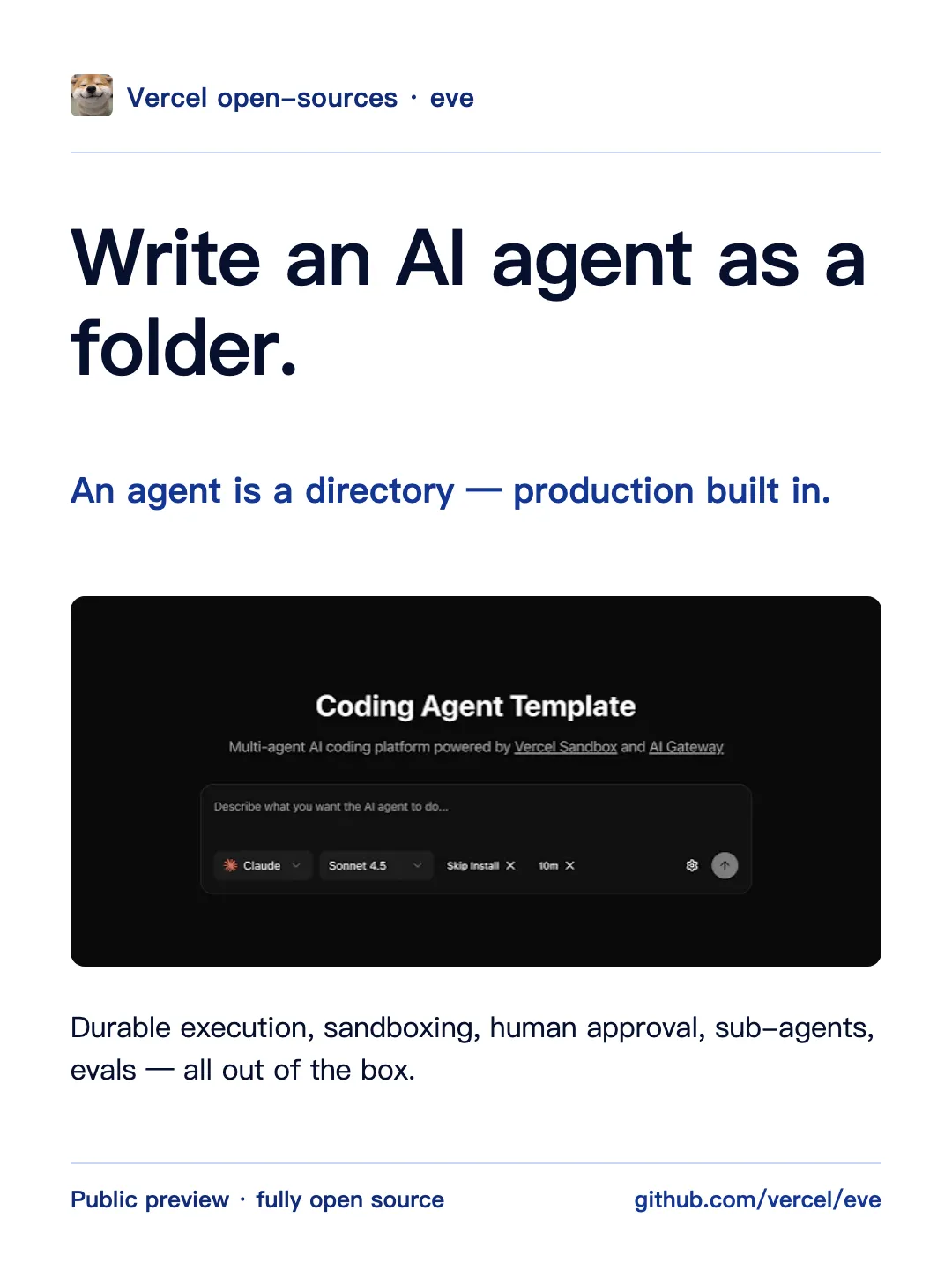
One headline claim plus one full-width hero image block, with source rail and page index
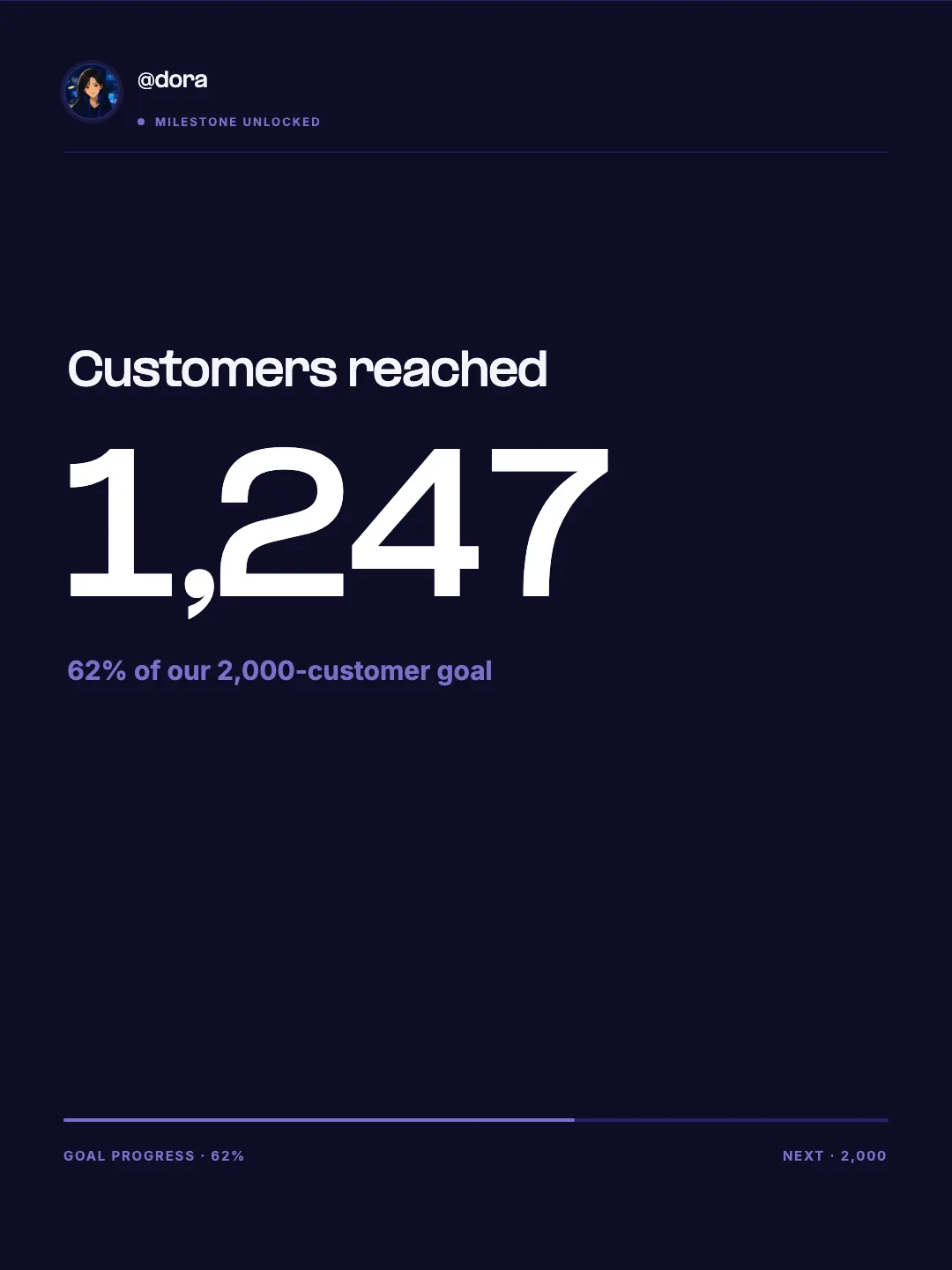
A milestone celebration card with a replaceable profile avatar and handle, built around one oversized product metric.
Off-white closing page with two overlapping upright iPhone frames (two screenshot slots) above a centered Follow title and 2-line promise.
| 推荐尺寸 | 3:4 竖图,1080×1440px |
|---|---|
| 每篇图片数 | 最多 18 张 |
| 封面 | 第一张即封面,在双列流中以缩略图展示,标题要大、要短 |
| 文件格式 | PNG 或 JPG;EasySociable 导出 PNG 图包 |
| 常用篇幅 | 6–9 张:封面 + 干货内页 + 收藏/关注引导 |
在下方选择模板,或让你的 Agent 用 EasySociable 生成一组小红书图文。
写好封面标题(数字 + 结果)、5–7 页干货,以及最后一页的收藏或关注引导。
在 Studio 中预览,替换截图、调整断行,版式不会跑。
下载 PNG 图包(3:4,1080×1440)并传到手机。
在小红书点击 +,按顺序选择图片,填写标题、正文和话题后发布。
双列流里的封面只有手机屏幕的一半大,标题控制在 12 字以内,用数字和结果吸引点击。
每页只讲一个 App、一个步骤或一个技巧,读者更容易收藏。
手机截图和实拍图比纯文字更可信,模板的手机框位让截图看起来整齐统一。
最后一页明确写“收藏备用”或“关注看下一期”,比只在正文里提更有效。
用 EasySociable 做一组 7 张的小红书图文:“5 个让 iPhone 更好用的隐藏设置”,封面大字,每页一个设置配手机截图位,最后一页引导收藏。
把我的健身计划整理成小红书笔记:封面写结果,4 页训练步骤,1 页装备清单,最后一页引导关注。
做一组 3:4 的 App 推荐图文:封面用图标拼贴,6 个 App 每页一个,配一句使用场景。
官方推荐 3:4 黄金竖图比例 (1080×1440px),在双列瀑布流中拥有最高点击曝光
醒目大字封面模版,提升 3 秒完播与点击率
模块化干货内容页,便于读者收藏做笔记
配合 AI 智能体一键批量输出高清 PNG 图包
官方标准推荐 3:4 竖图(1080×1440 像素),在小红书手机端双列流中展示面积最大,视觉冲击力最强。
通过将文案大纲自动装配至高质感 3:4 模板中,保持字体层级、色彩统一,创作者可在网页 Studio 微调并一键下载完整图包。
目前最多 18 张。干货类笔记通常 6–9 张效果最好:封面、内页和结尾引导。
支持。模板的文字位会按中文断行,你也可以在 Studio 里逐页调整字号和换行。
可以。每个模板都有 3:4、4:5、9:16 和 1:1 版本,同一份内容可以分别导出不同平台的尺寸。