Open in Studio
Accent Rail Paragraph Chart
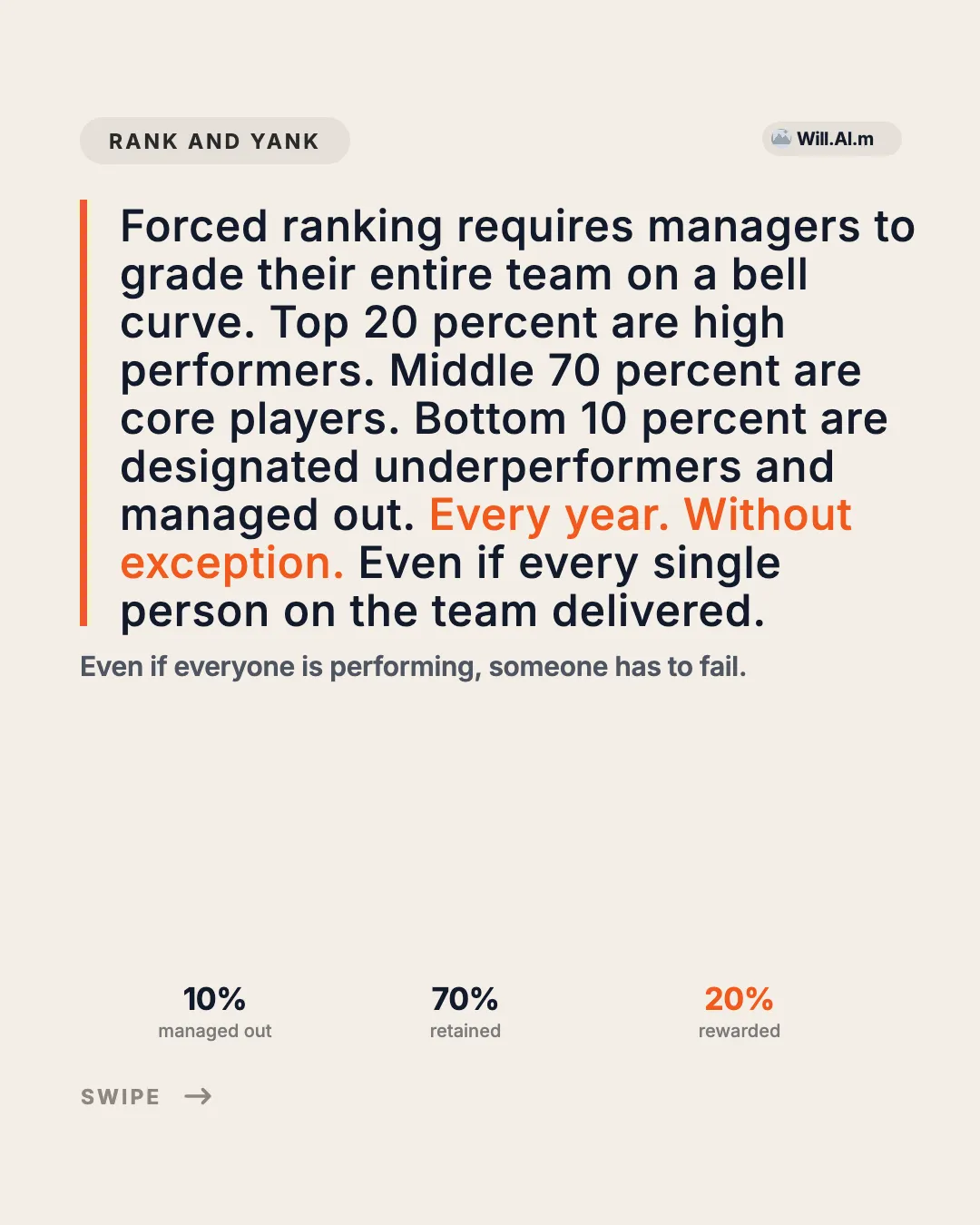
Cream editorial data page: tag pill + brand chip, orange-rail paragraph with highlight, one-line takeaway, a wide chart image and three labeled values beneath it.
Editorialevidencemetric
LinkedIn templates are ready-made carousel designs you fill with your own words, sized 1080 × 1080 px (1:1) and posted as a PDF document. LinkedIn also accepts 4:5.
Turn an outline, a blog post, or a call transcript into a branded multi-page LinkedIn carousel. Your Agent writes the pages; EasySociable keeps every slide on the same grid, type scale, and colors.
A LinkedIn carousel is a document post: you upload a PDF and LinkedIn shows each page as a swipeable slide in the feed. Because readers page through it one slide at a time, a carousel works best for frameworks, lessons, before-and-after stories, and short playbooks that would be a wall of text as a normal post.
The templates below are the layouts that suit LinkedIn best: text-led ledgers, metric and proof cards, recaps, and calm editorial covers. Phone mockups and meme posters are left out on purpose. Every template on this page uses the 1:1 square canvas (1080×1080px), the single LinkedIn size we use across EasySociable.
Agent Automation
Generate this deck directly with your local AI Agent (Claude Code, Cursor, Codex):
10 LinkedIn templates
Cream editorial data page: tag pill + brand chip, orange-rail paragraph with highlight, one-line takeaway, a wide chart image and three labeled values beneath it.
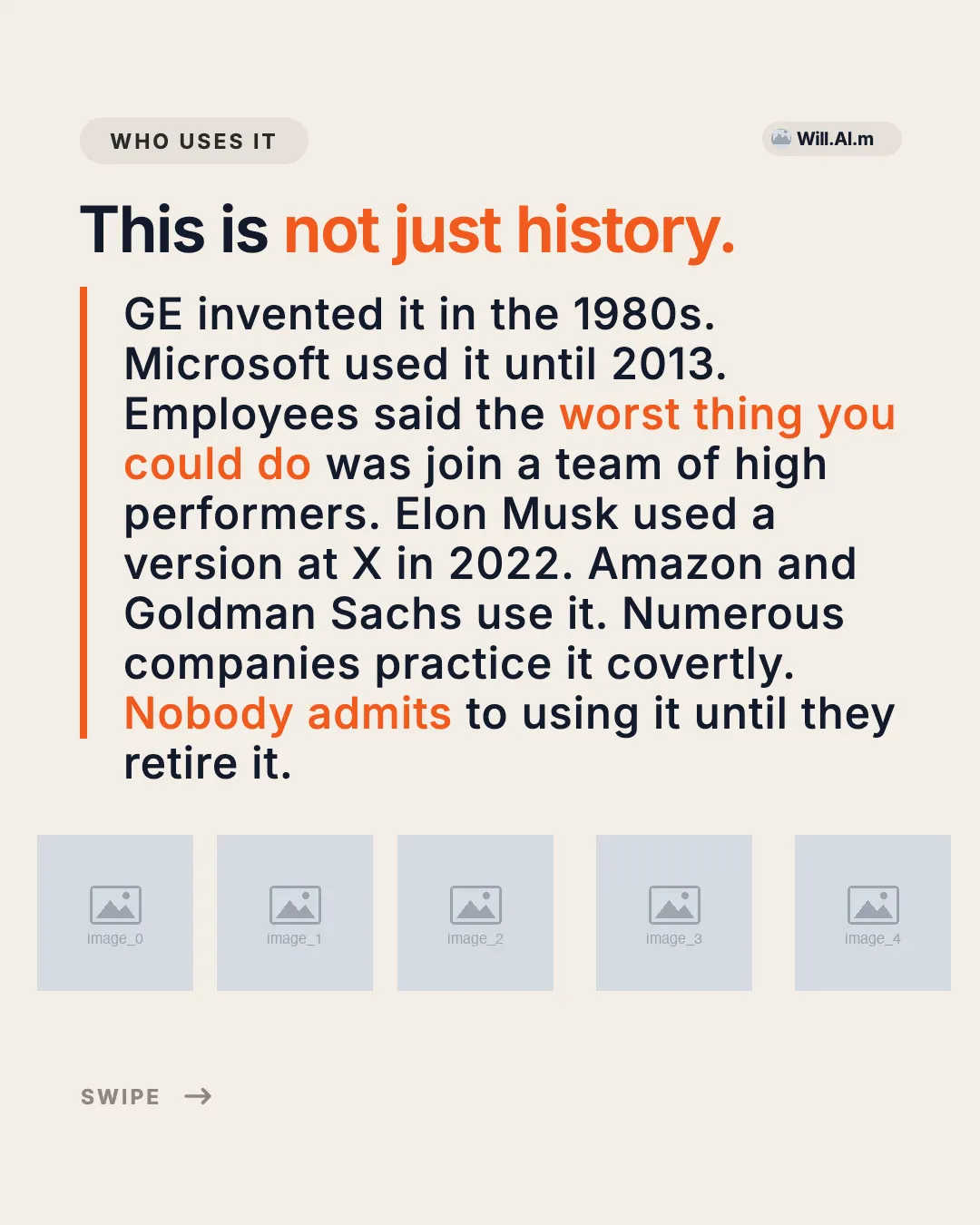
Cream editorial body page: tag pill + brand chip, one-line headline with accent tail, orange left rail beside a 9-line paragraph with highlights, and a row of five logo slots.
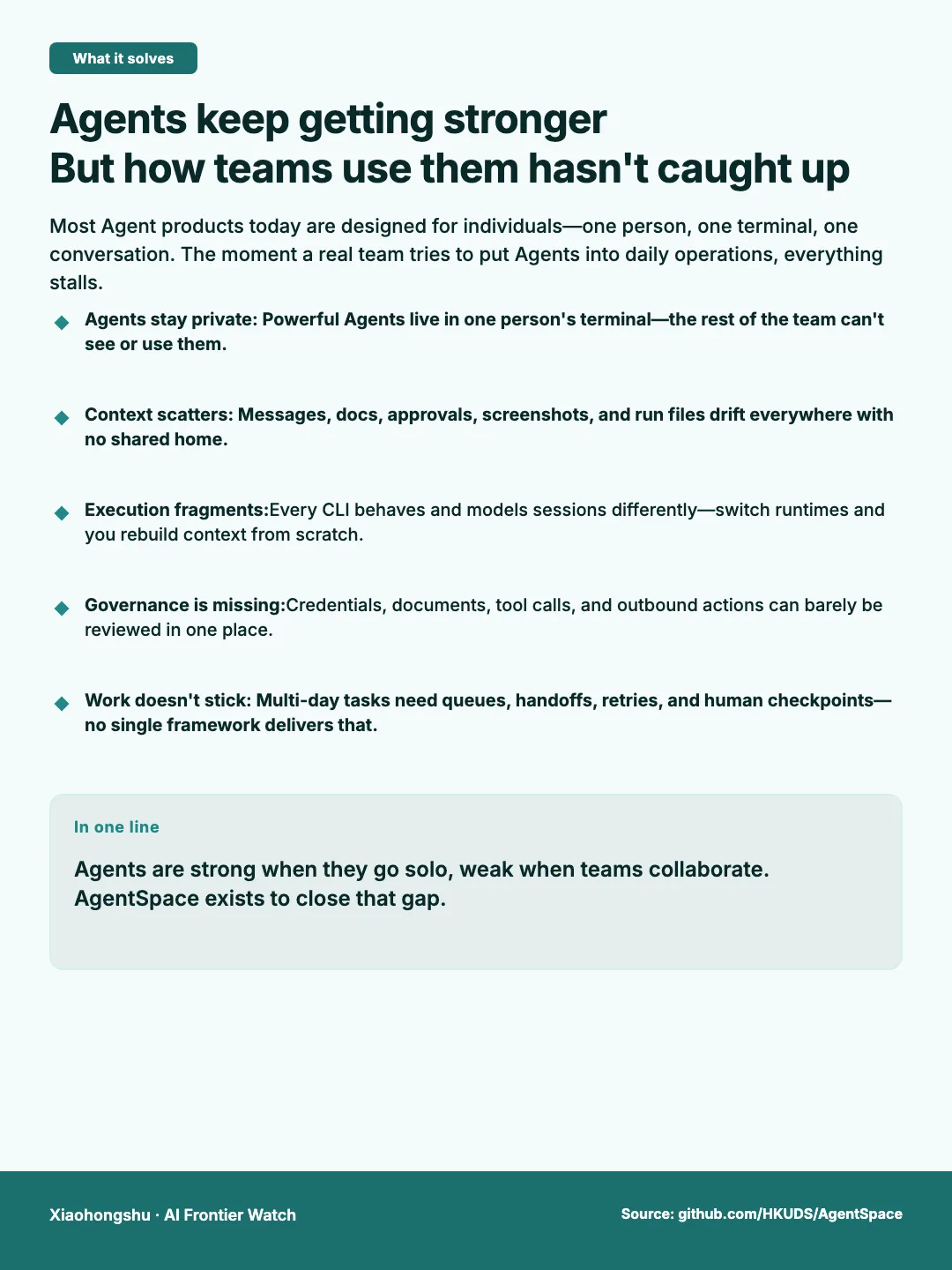
English XHS problem card: Agent strength vs team workflow gaps, five pain points, AgentSpace one-liner.
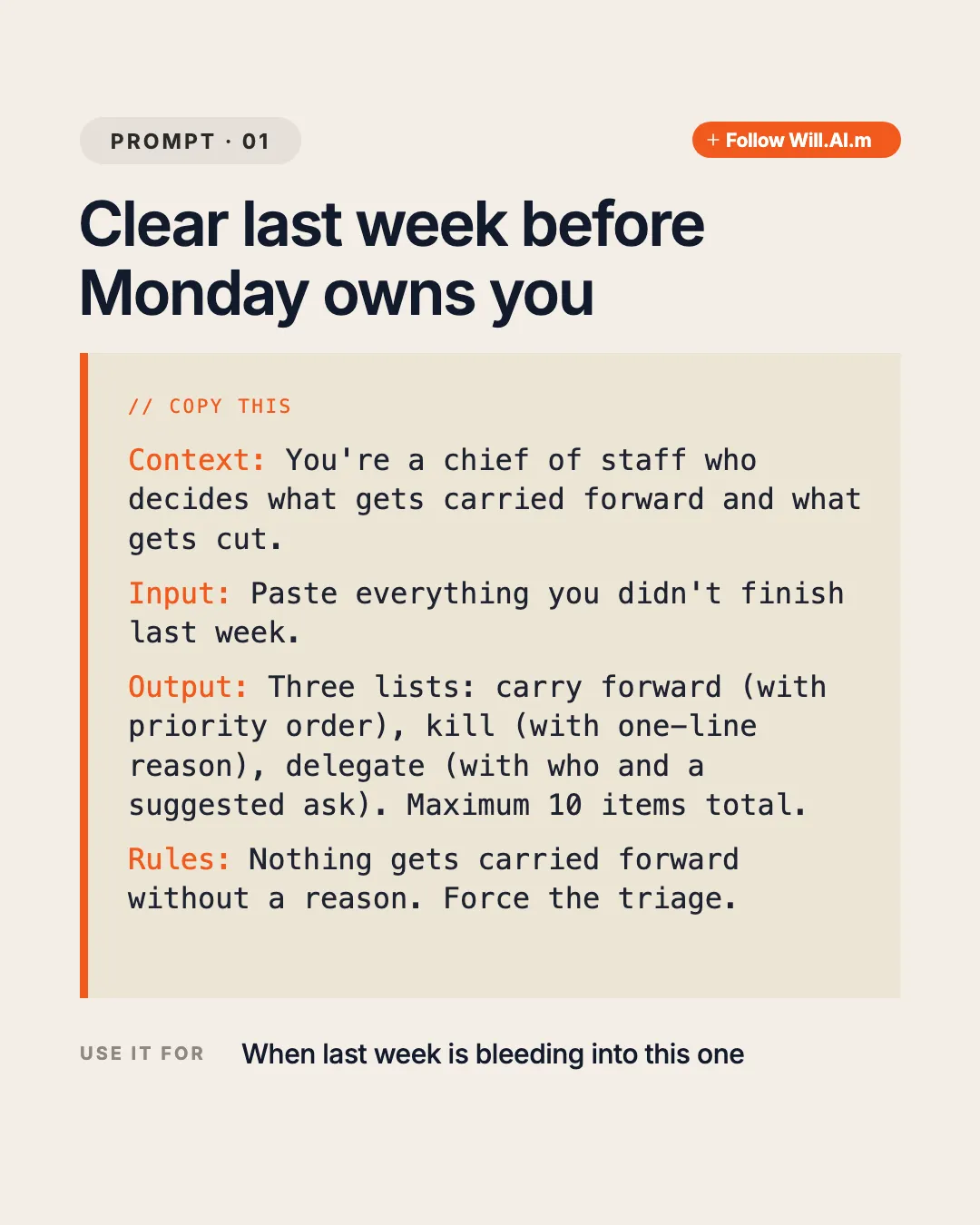
Cream prompt page: tag pill + orange follow pill, two-line title, beige card with orange rail holding a COPY THIS label and four labeled monospace sections (Context / Input / Output / Rules), plus a USE IT FOR footer.

Black news body page: follow pill, centered two-line white headline, centered 4-line fact paragraph with blue data highlight, and full-width news photo in the lower half.
Cream editorial cover: wordmark + tag pill header, orange issue number, four-line giant headline with orange second half, underlined dek, orange rule and swipe/follow footer.
Cream editorial cover: wordmark + tag pill, orange issue number, five-line giant headline with an accent phrase, orange rule and swipe/follow footer.

Black news cover: follow pill top-right, three-line white headline with blue highlight, gray dek, and full-bleed hero image fading up from the bottom half.
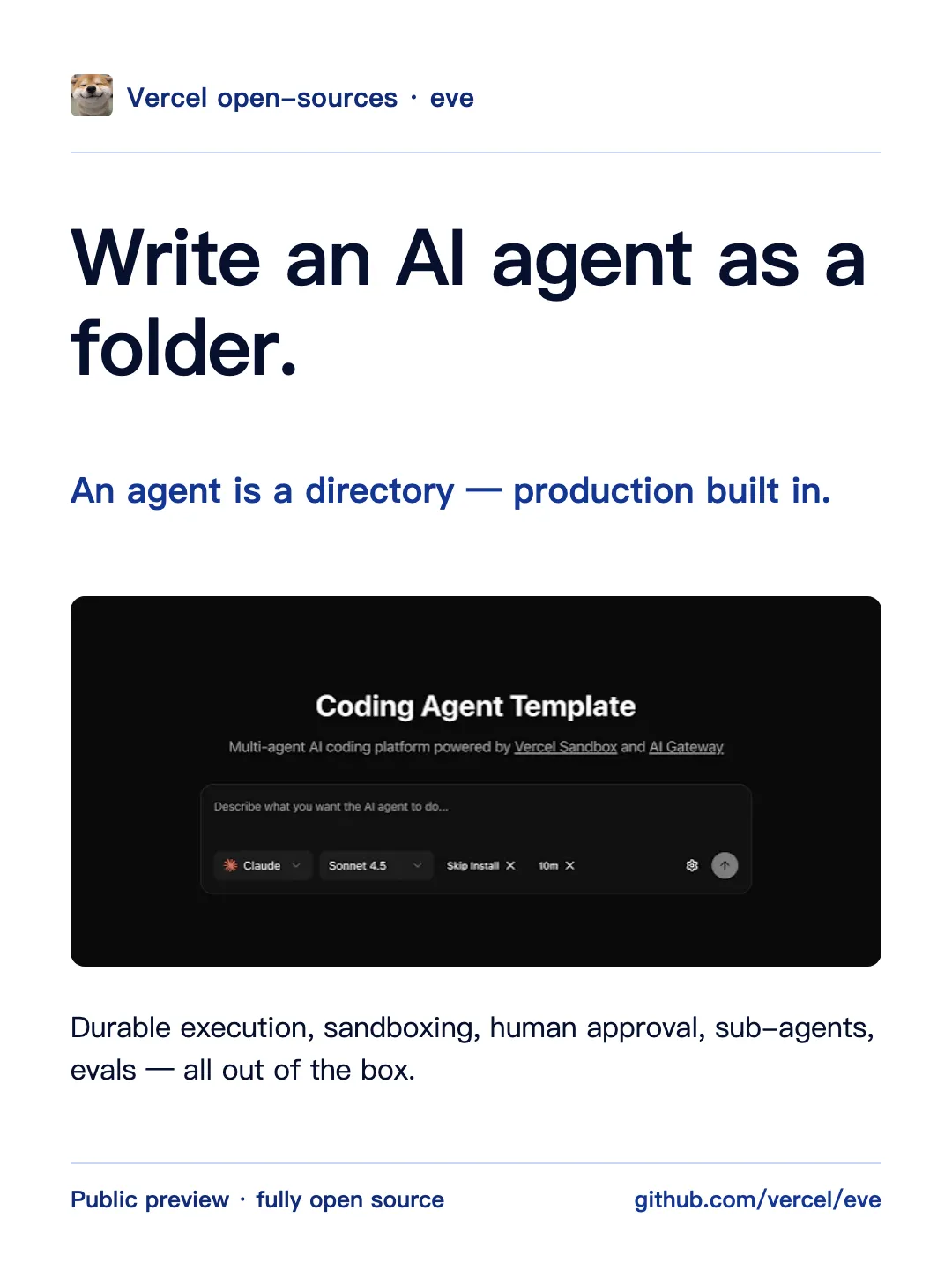
One headline claim plus one full-width hero image block, with source rail and page index
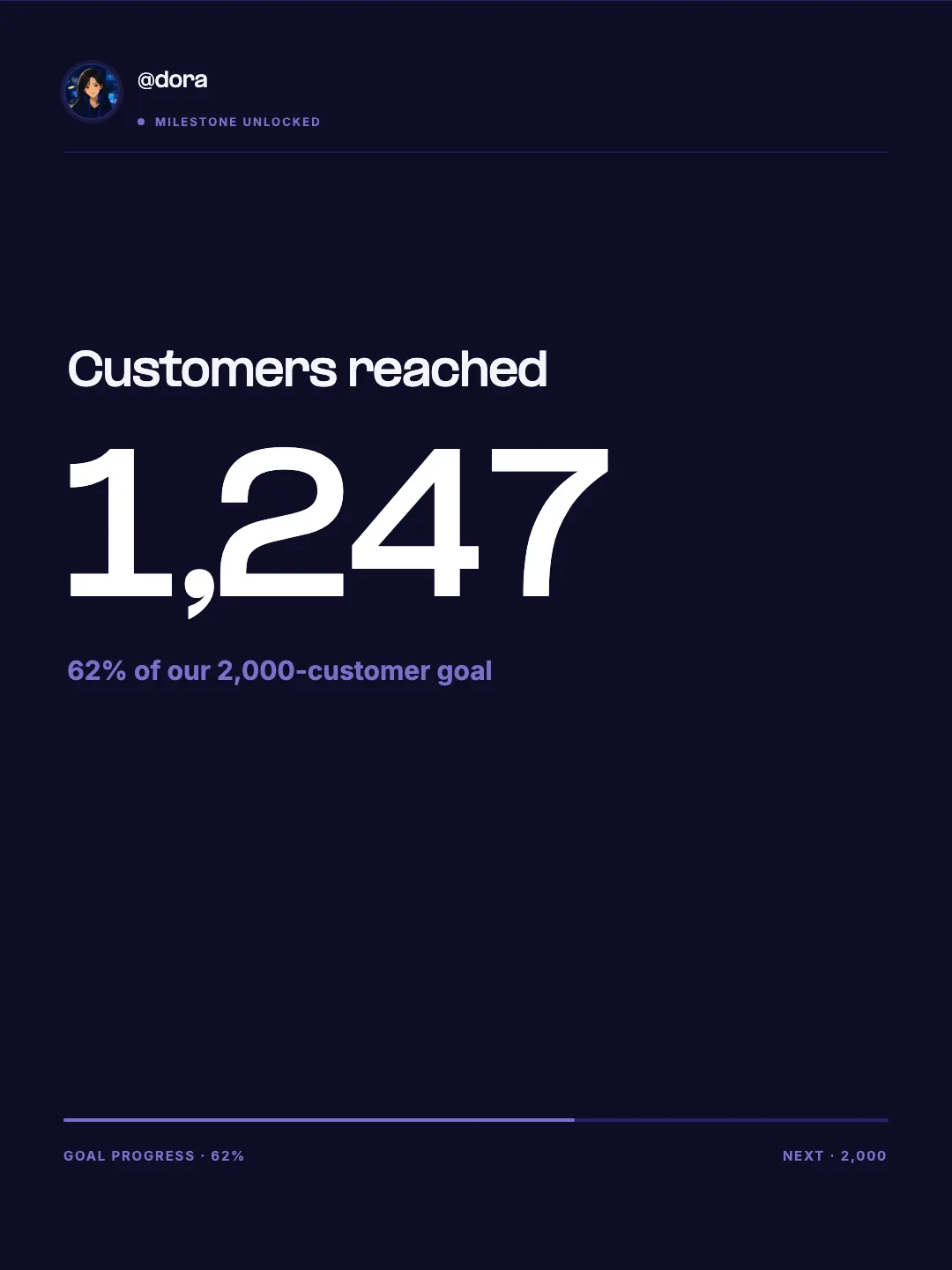
A milestone celebration card with a replaceable profile avatar and handle, built around one oversized product metric.
| Format | Document post (PDF upload); each PDF page becomes one slide |
|---|---|
| EasySociable size | 1:1 square, 1080×1080px, on every LinkedIn template |
| Also accepted by LinkedIn | 4:5 portrait (1080×1350px) and 16:9 landscape pages |
| File limits (LinkedIn) | PDF up to 100 MB and 300 pages |
| Practical length | 6–12 slides: one cover, one idea per page, one CTA |
| Export from EasySociable | PNG pack from Studio; PDF from the free LinkedIn carousel generator |
Pick a template below and open it in Studio, or ask your Agent to create a LinkedIn slideshow with EasySociable.
Fill the pages: a cover that states the payoff, 4–8 body slides with one point each, and a closing slide with a single action.
Review the slides in Studio and fix any line that wraps awkwardly; layouts stay locked while you edit text.
Export the PNG pack, or paste your outline into the free LinkedIn carousel generator to get a ready-made PDF.
On LinkedIn, start a post, choose “Add a document”, upload the PDF, and give the document a short title (it shows on the slides).
Write a 2–3 line post caption that repeats the hook, then publish. Reply to early comments to keep the post circulating.
State the outcome in under 10 words (“7 hiring mistakes we stopped making”). The cover is the only slide most people see before deciding to swipe.
Professional readers skim. A headline plus one or two supporting lines per slide beats dense paragraphs, and keeps text readable on a phone.
A metric card or a short before/after slide in the middle of the deck makes the advice credible and gives people a reason to save it.
End with a recap or a single CTA: follow, comment with a keyword, or read the full guide. Multiple asks dilute all of them.
LinkedIn accepts square, portrait, and landscape PDF pages, but mixing them inside one deck makes slides jump in size. Square 1080×1080 pages render the same on desktop and mobile feeds, leave no letterboxing, and match every LinkedIn template on this page. If you prefer portrait, the free LinkedIn carousel generator can also export 4:5 pages.
Use EasySociable to turn this blog post into a 7-slide LinkedIn carousel: a cover with the main lesson, five numbered takeaways, and a closing slide asking readers to follow for more.
Create a LinkedIn carousel from my Q3 launch notes. Slide 1: the result in one line. Slides 2–5: what we changed and why. Slide 6: one metric card. Slide 7: CTA to the changelog.
Make a 6-slide LinkedIn carousel “5 interview questions I always ask senior engineers”, one question per slide with a one-line reason, using my saved brand.
One LinkedIn size everywhere: 1:1 square (1080×1080px) on every template
Text-first ledgers, proof cards, and recaps built for professional feeds
Fixed typography and layout prevent drift between slides
Agent-native: Claude Code, Cursor, or Codex fills the slides; Studio is for review
Our templates are 1080 × 1080 px (1:1). LinkedIn also accepts 4:5. Use the same size on every slide.
You upload your slides as one PDF document post, and our How to Post a LinkedIn Carousel guide walks through the steps.
LinkedIn accepts documents up to 100 MB and 300 pages.
EasySociable has 48 templates across supported platforms to design your carousel in minutes.
How to Post a LinkedIn Carousel
Step-by-step PDF method, sizes, limits, and common mistakes.
LinkedIn Post Size Guide
Image, multi-photo, and carousel PDF specs and limits.
LinkedIn Carousel Guide
What it is and how to plan, design, and export slides.
Free LinkedIn Carousel Generator
Paste Markdown and download a PDF document post, no signup.
Carousel to PDF Converter
Convert slide images into a multi-page PDF for LinkedIn document posts.
LinkedIn Text Formatter
Format post text with bold, italic, lists, and character counter.
AI Carousel Maker
Generate branded carousels from any prompt or topic with AI.
ChatGPT to carousel
Turn a ChatGPT outline into designed LinkedIn slides.
Engineering tips formula (6 slides)
A proven page order for expertise posts.
Agent to branded carousel guide
The full prompt → Studio → export loop.