Open in Studio
Cream Editorial Headline Poster
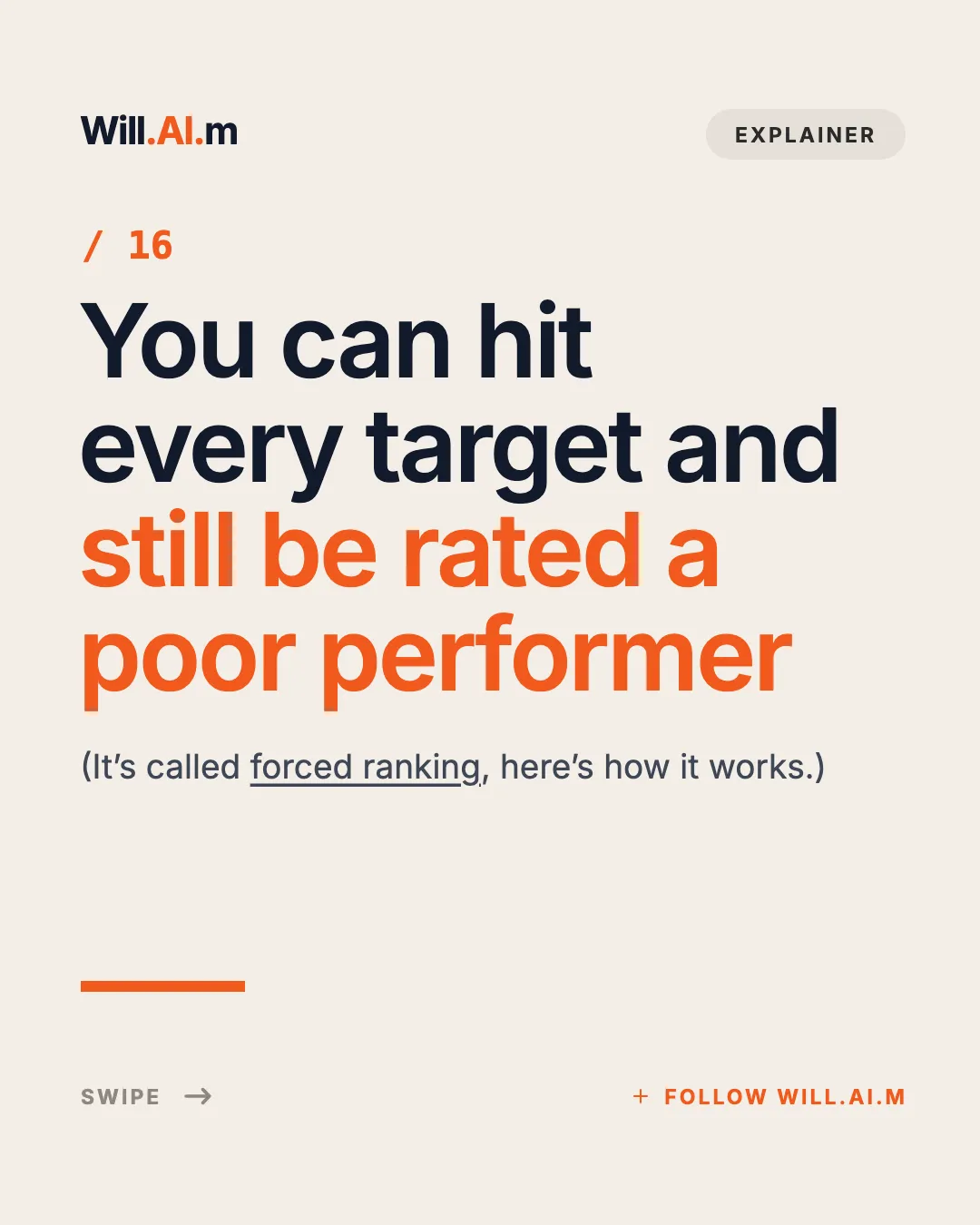
Cream editorial cover: wordmark + tag pill header, orange issue number, four-line giant headline with orange second half, underlined dek, orange rule and swipe/follow footer.
Editorialcoverhook
Turn a thoughtful text thread into editorial image cards for Meta Threads. Big headlines, quiet layouts, and one argument per card.
Threads is mostly text, which is exactly why a well-designed image post stands out. A multi-image Threads post swipes horizontally, so a short argument, a news explainer, or a hot take can be told in a few cards instead of a long reply chain.
The templates below lean editorial: headline posters, news stories, paragraph-and-chart cards, and opinion memes. They use the 4:5 portrait canvas (1080×1350px), the same as Instagram, so one pack works on both.
Agent Automation
Generate this deck directly with your local AI Agent (Claude Code, Cursor, Codex):
13 Threads templates
Cream editorial cover: wordmark + tag pill header, orange issue number, four-line giant headline with orange second half, underlined dek, orange rule and swipe/follow footer.

Black news cover: follow pill top-right, three-line white headline with blue highlight, gray dek, and full-bleed hero image fading up from the bottom half.

Black news body page: follow pill, centered two-line white headline, centered 4-line fact paragraph with blue data highlight, and full-width news photo in the lower half.
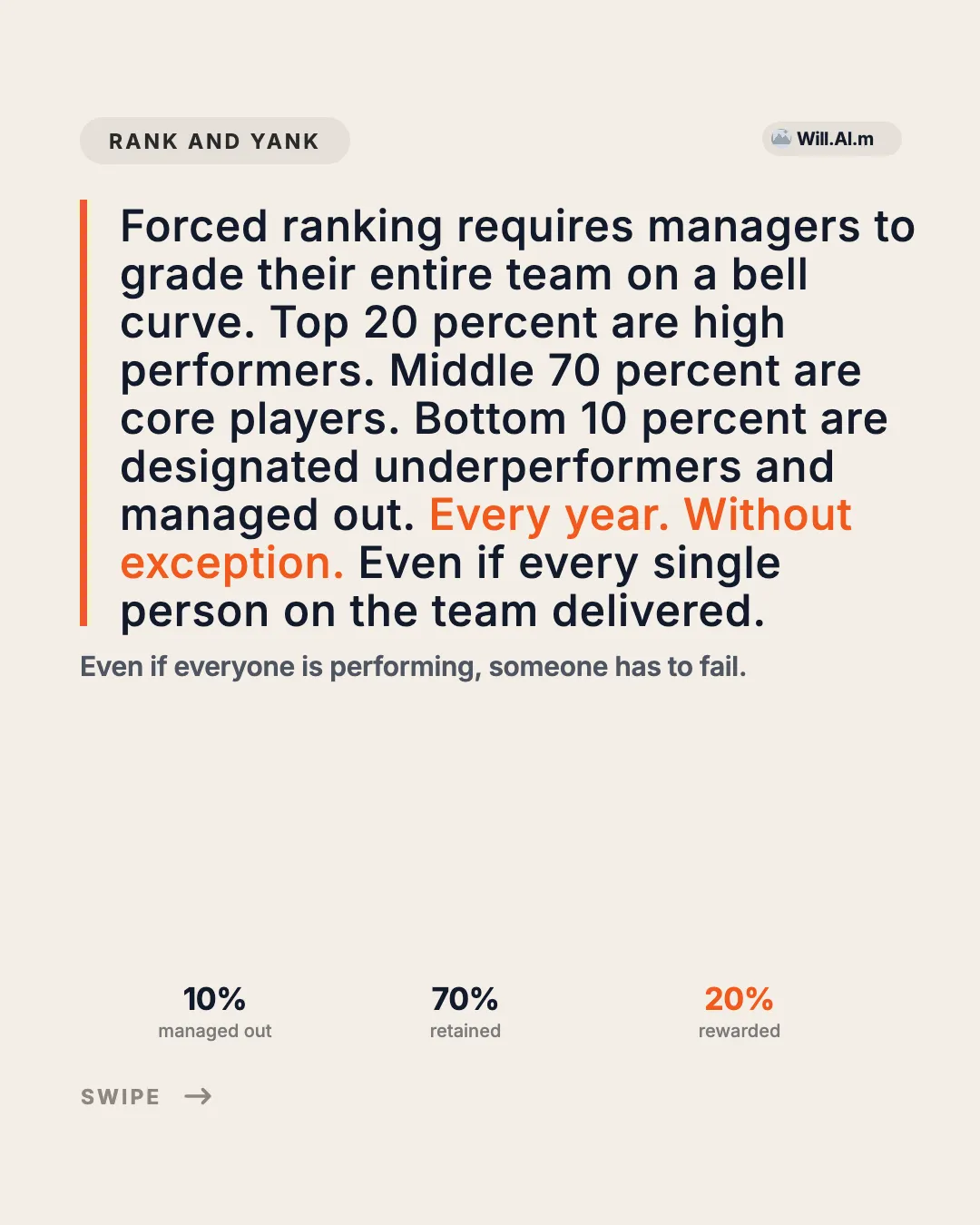
Cream editorial data page: tag pill + brand chip, orange-rail paragraph with highlight, one-line takeaway, a wide chart image and three labeled values beneath it.
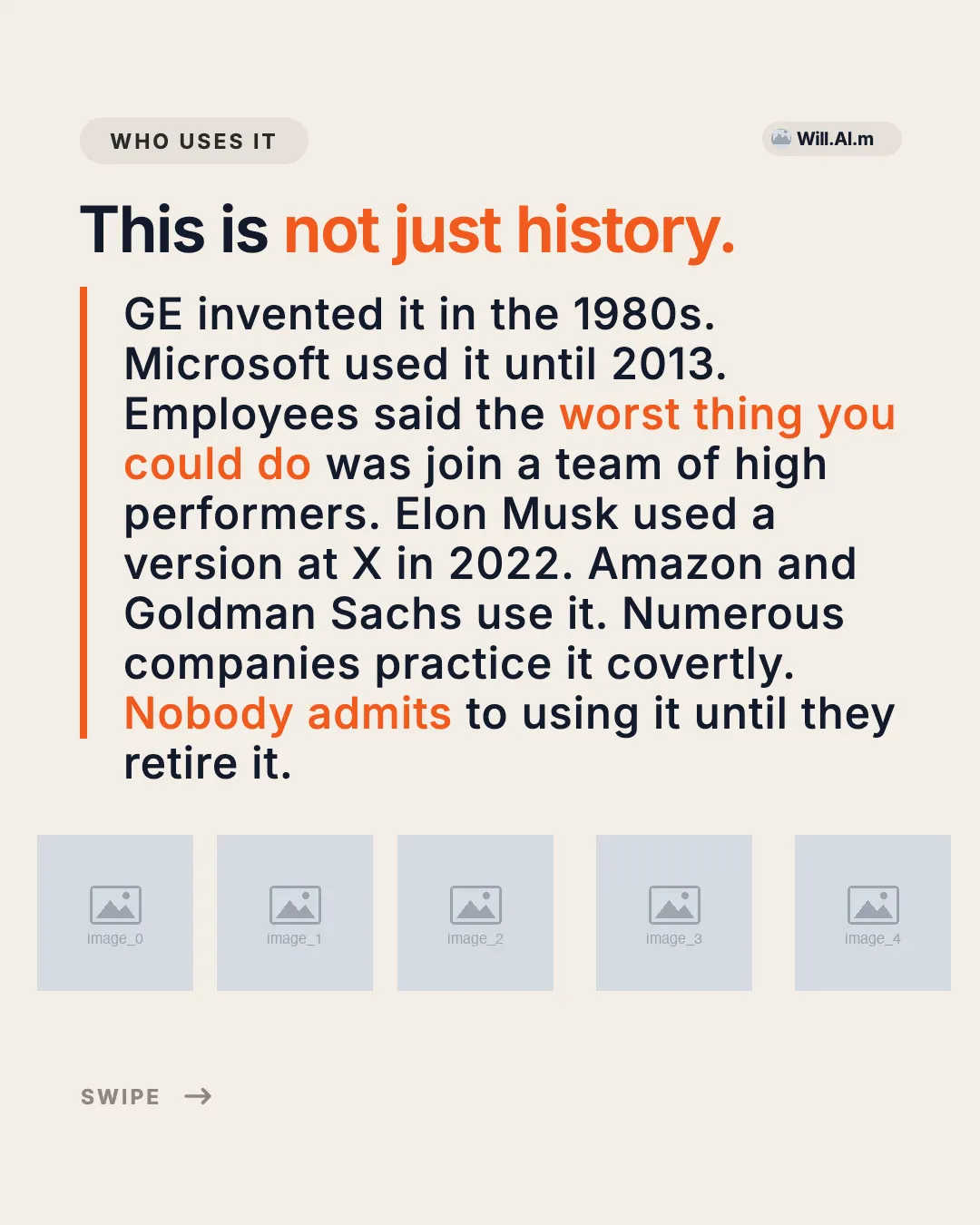
Cream editorial body page: tag pill + brand chip, one-line headline with accent tail, orange left rail beside a 9-line paragraph with highlights, and a row of five logo slots.

Cream closing page: wordmark + END pill, giant two-line Follow for more headline with accent word, 3-line promise and a full-width orange follow button.
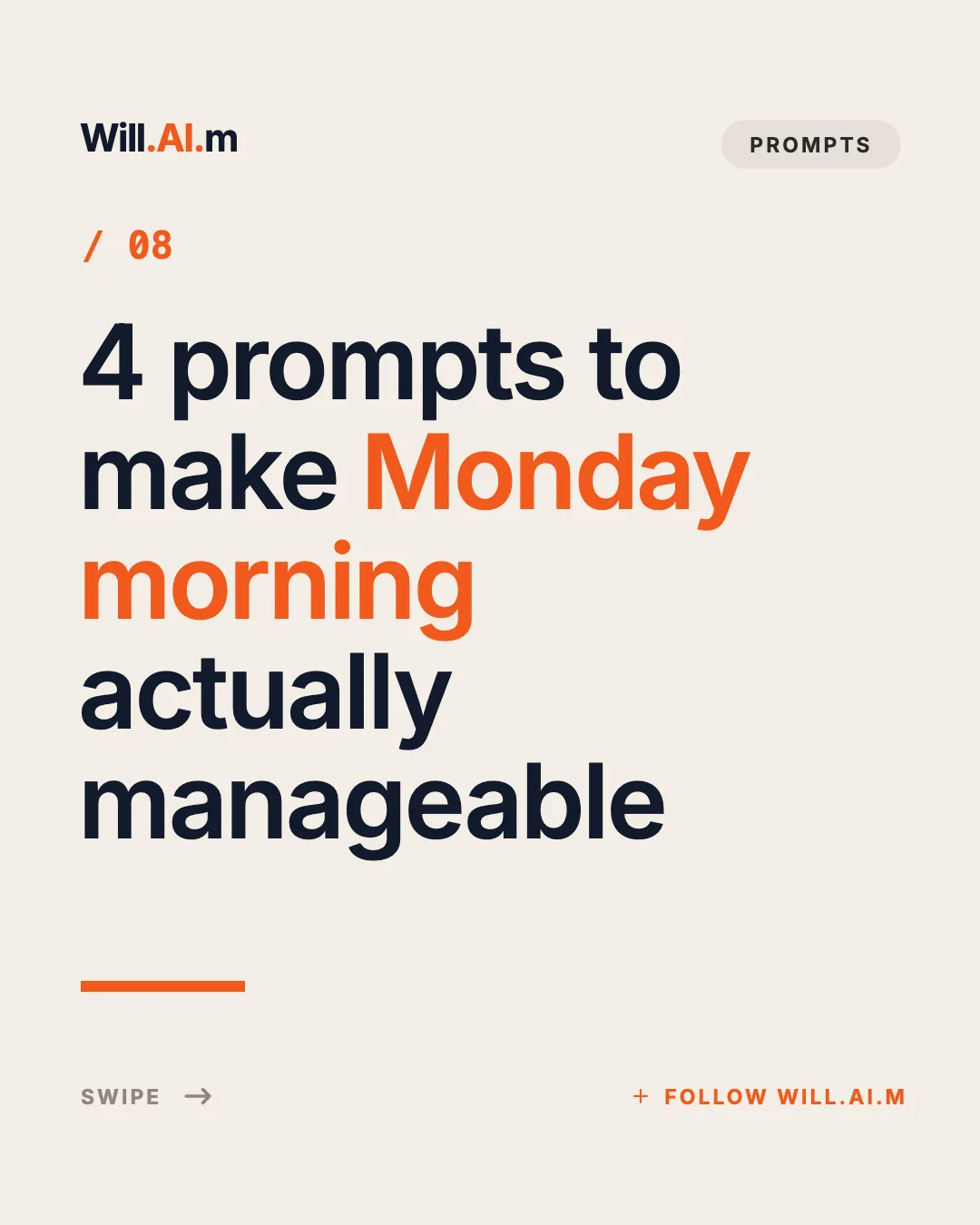
Cream editorial cover: wordmark + tag pill, orange issue number, five-line giant headline with an accent phrase, orange rule and swipe/follow footer.

Founder cover 1/5: office portrait + serif title + quote hook on AI-Native team differences.
One headline claim plus one full-width hero image block, with source rail and page index
Plain white 9:16 body page: black-bordered colored title box, centered meme image, and three short centered paragraphs with colored keyword highlights.

Plain white 9:16 cover: three-line centered regular-weight title above a wide meme image, with a small signature sticker image below.
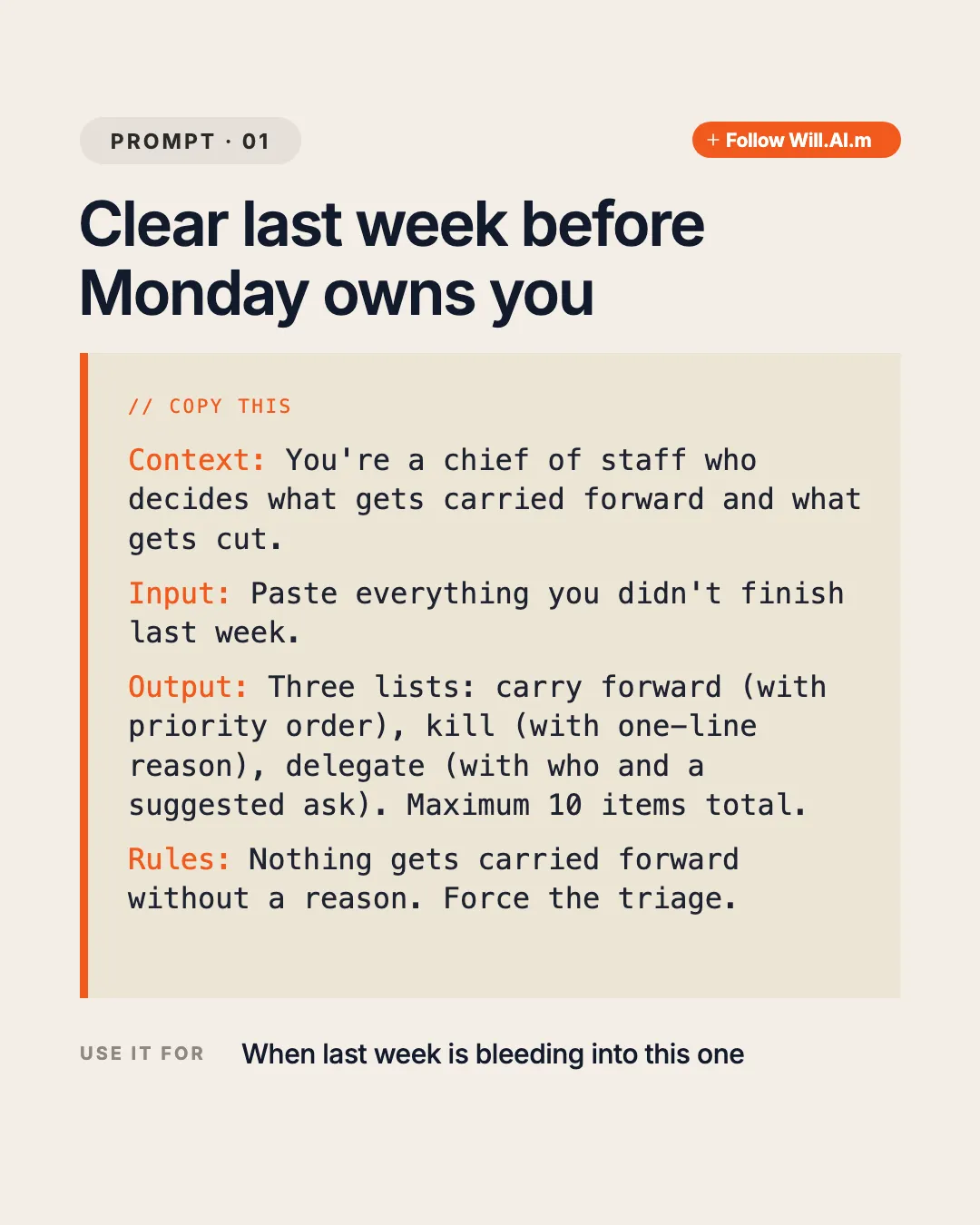
Cream prompt page: tag pill + orange follow pill, two-line title, beige card with orange rail holding a COPY THIS label and four labeled monospace sections (Context / Input / Output / Rules), plus a USE IT FOR footer.

Full-bleed personal photo with a TikTok-style outlined two-line caption (bold keyword + small line) at the top-left.
| Recommended size | 4:5 portrait, 1080×1350px |
|---|---|
| Also works | 1:1 square; Threads shows multi-image posts as a swipeable row |
| File type | PNG or JPG; EasySociable exports a PNG pack |
| Text on images | Large serif or bold headline, 15–25 words max per card |
| Practical length | 3–6 cards; Threads readers skim quickly |
Pick a template below, or ask your Agent for a Threads post with EasySociable.
Write one claim per card: the take, two or three supporting points, and a closing question.
Review in Studio and download the PNG pack.
In Threads, start a new thread, tap the image icon, and select the cards in order.
Write a one-line caption that invites replies, then post.
Threads rewards conversation. Put the opinion on card 1 and make it specific enough to agree or disagree with.
Clean type on a calm background looks native in the Threads feed; heavy graphics look like ads.
Three to six cards is enough. Save long breakdowns for Instagram or LinkedIn.
A closing card that asks for the reader’s view turns a swipe into a reply.
Turn my thread about remote work into a 5-card Threads post: the take on card 1, three supporting points, and a closing question.
Make a 4-card Threads news explainer about this week’s AI release: headline card, what changed, why it matters, and what to watch next.
Create a Threads opinion post “Most productivity advice is for people without kids” with a meme-style cover and three short cards.
4:5 portrait cards cut through monochromatic text feeds
Editorial layouts tailored for concise summaries and takeaways
Batch generation from AI outlines
Same 4:5 pack can be reused on Instagram
Yes. Meta Threads allows multi-image posts that users swipe through horizontally.
Images and multi-slide carousels occupy larger feed real estate and provide visual breaks, yielding higher reposts and profile visits.
Use 4:5 portrait (1080×1350px) for the most feed space, or 1:1 square. EasySociable Threads templates export at 4:5.
Yes. Both use the 4:5 canvas, so the same PNG pack works. Shorter decks (3–6 cards) usually fit Threads better.
Yes. Your agent writes the cards and the caption; EasySociable turns the cards into branded images you review in Studio.