LinkedIn Carousel: What It Is and How to Make One (2026)
A LinkedIn carousel is a swipeable multi-page document post published from a PDF; design your slides at 1080 × 1350 px (4:5) or 1080 × 1080 px (1:1), export one PDF, and upload it as a document post.
LinkedIn lets you upload multi-page documents (PDF, PPT, DOC) that viewers can swipe through in the feed. For upload steps, see How to Post a LinkedIn Carousel.
Why create a carousel on LinkedIn
- Readers can swipe through a complete presentation without clicking an external link.
- Viewers can read slides directly in the feed or download the full document as a PDF to save.
- Multi-page documents give your ideas clear visual structure with one dedicated point per slide.
What is a LinkedIn carousel?
A LinkedIn carousel is a document post displayed in the feed with swipe navigation.
LinkedIn accepts PDF, PPT, PPTX, DOC, and DOCX files up to 100 MB and 300 pages, but advises converting to PDF for best quality. Viewers can swipe through pages and download the document as a PDF. Embedded videos and animations render as static images.
6 steps to plan, design and export a LinkedIn carousel
- 1
Outline your slide deck structure
Organize your topic with a clear title slide, focused body points, and a closing call to action.
- 2
Choose your slide dimensions
Design slides at our recommended 1080 × 1350 px (4:5 portrait) or 1080 × 1080 px (1:1 square).
- 3
Keep slide dimensions identical
Use matching dimensions on every page to prevent slides jumping during swipes.
- 4
Format typography for mobile readability
Use large headings, clean line spacing, and strong contrast for easy reading on mobile screens.
- 5
Export as a single flattened PDF document
Save all slides into one PDF and flatten or merge any layers, as LinkedIn requires.
- 6
Verify document limits and safe margins
Confirm your file is under 100 MB and 300 pages, and check text placement with our social safe zones tool before publishing. For upload steps, see How to Post a LinkedIn Carousel.
Common mistakes to avoid
Mixing different aspect ratios across pages — use identical dimensions on every slide to keep navigation smooth.
Adding videos or animations — LinkedIn shows them as static images in documents.
Uploading a layered PDF — LinkedIn asks you to flatten or merge layers first.
The hard part isn't the PDF — it's the slides.
EasySociable turns your ideas into on-brand slides sized for LinkedIn. Choose from 48 ready-made templates or ask your AI agent to format your content in seconds, customize colors, and export clean slides.
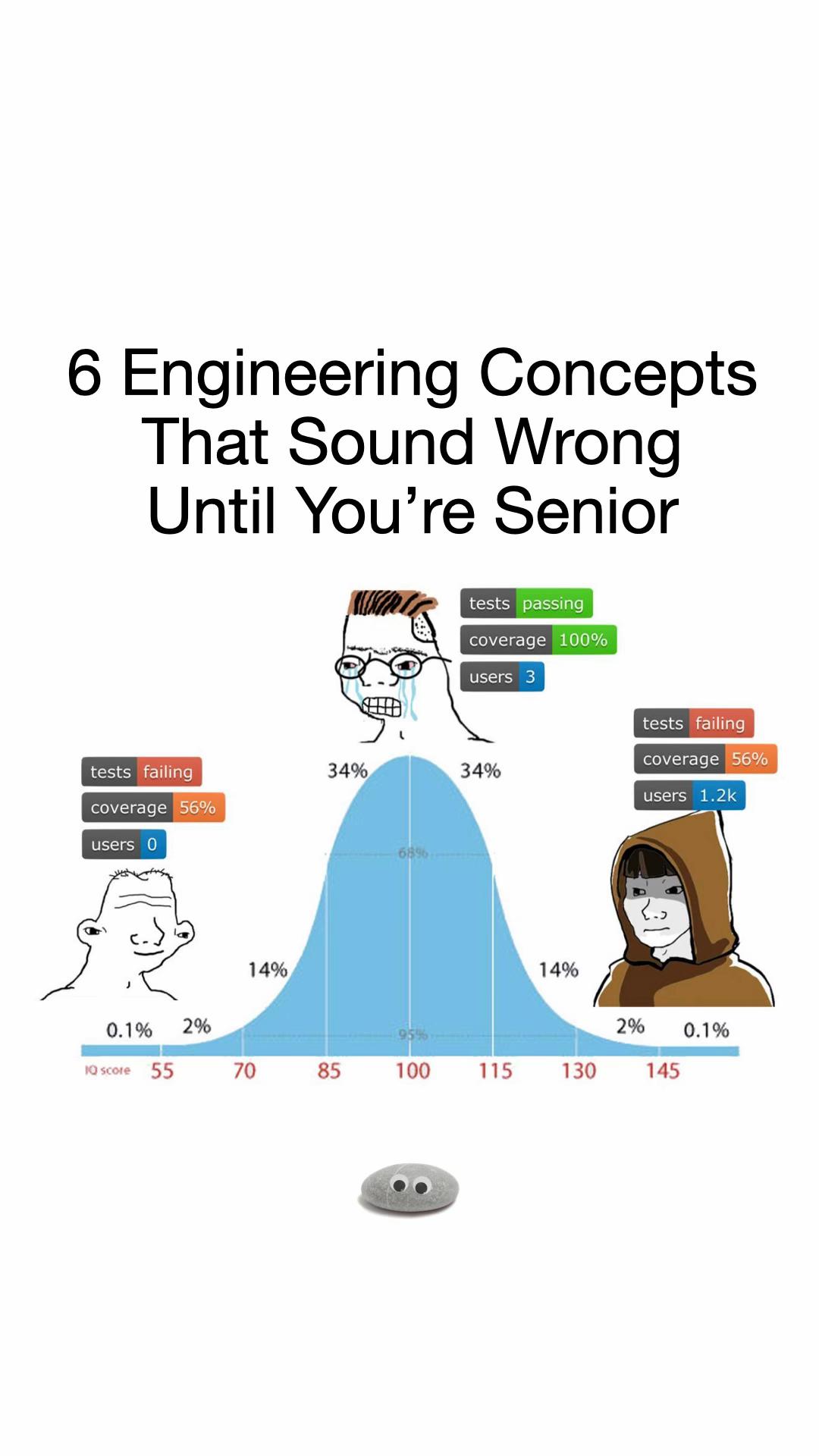
Proven viral formulas ready for LinkedIn
Pick a formula below to generate a branded LinkedIn carousel with your AI agent or Studio.


Frequently Asked Questions
What is a LinkedIn carousel post?
A LinkedIn carousel is a swipeable feed post created by uploading a multi-page PDF document that viewers can browse or download.
What is the recommended size for LinkedIn carousel slides?
Our recommendation is 1080 × 1350 pixels (4:5 portrait) or 1080 × 1080 pixels (1:1 square) with consistent dimensions across every slide.
What file formats and limits does LinkedIn support for carousels?
LinkedIn supports PDF, PPT, PPTX, DOC, and DOCX files up to 100 MB and 300 pages, with PDF recommended for best visual quality.
How do I upload my finished carousel to LinkedIn?
For upload steps, see How to Post a LinkedIn Carousel.
Sources: LinkedIn Help — Share photos on LinkedIn and Upload and share documents on LinkedIn, checked October 2026.