
Open in Studio
White Meme Poster
Plain white 9:16 cover: three-line centered regular-weight title above a wide meme image, with a small signature sticker image below.
Minimalcoverhook
TikTok templates are ready-made slideshow designs you fill with your own words, sized 1080 × 1920 px (9:16) for full-screen photo posts.
Hook-first vertical slideshows for TikTok Photo Mode. Big type that survives the caption overlay, safe-zone layouts, and 1080×1920 PNGs generated from a prompt.
TikTok slideshows (Photo Mode posts) are swipeable image posts with music. Viewers swipe at their own pace, and a strong first slide decides whether they keep going. Listicles, app and tool roundups, opinion takes, and quick tutorials are the slideshow formats that travel furthest.
The templates below are picked for the 9:16 TikTok screen: hook covers, meme posters, phone and app spotlights, and numbered point cards. Text-dense evidence and comparison slides are left out because TikTok’s caption and buttons cover part of the screen.
TikTok guides
Agent Automation
Generate this deck directly with your local AI Agent (Claude Code, Cursor, Codex):
21 TikTok templates
Plain white 9:16 cover: three-line centered regular-weight title above a wide meme image, with a small signature sticker image below.
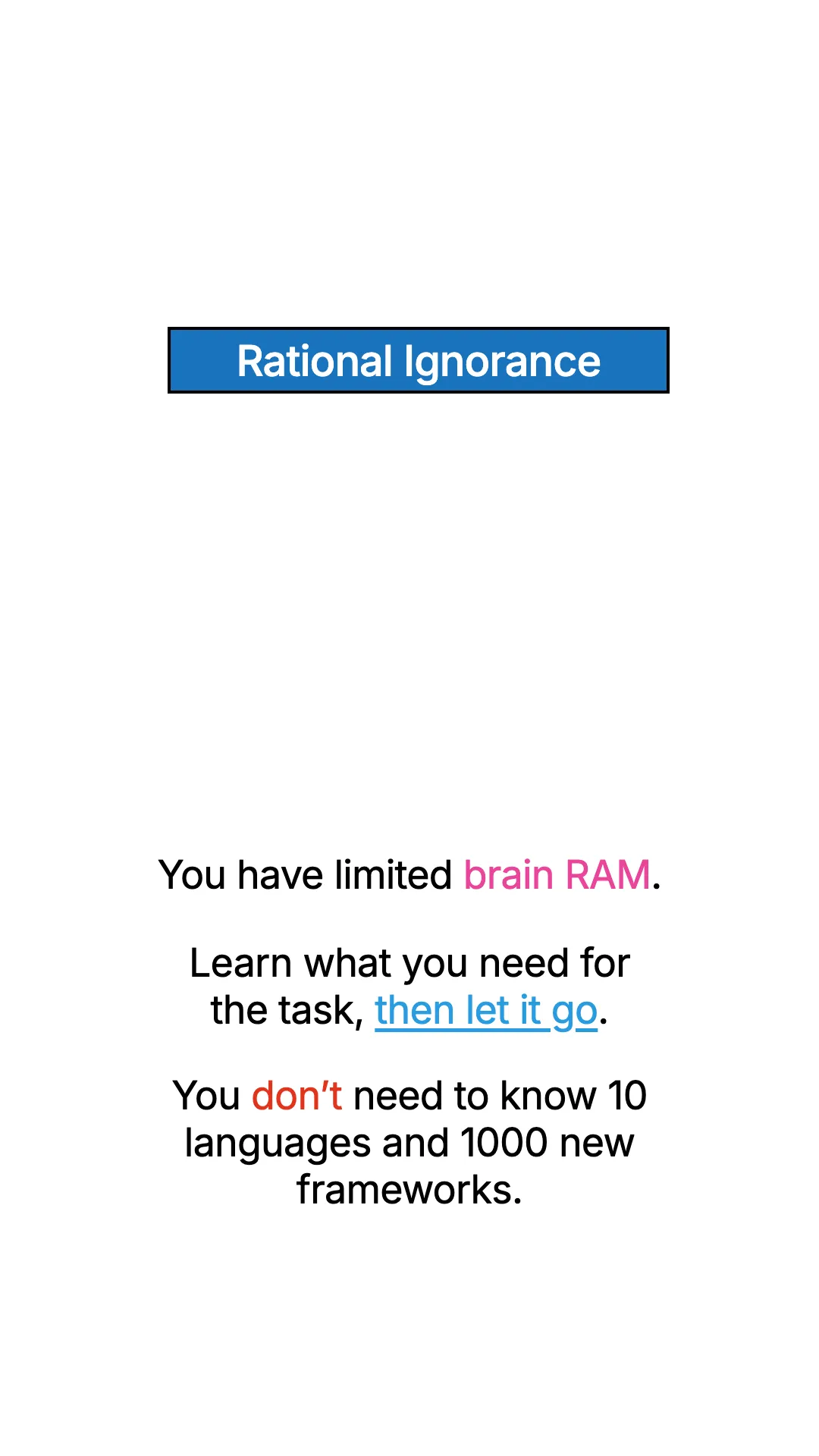
Plain white 9:16 body page: black-bordered colored title box, centered meme image, and three short centered paragraphs with colored keyword highlights.
Light lattice page with one large app logo tile, bold app name, three-line centered pitch with bold keywords, tilted aside and Swipe cue.
Minimal light-grey cover: two-line bold centered list title and three app icons stepping diagonally from top left to bottom right with soft shadows.
Light lattice cover: huge two-line title (accent word + black heavy headline), accent subtitle, grey capsule with five app-logo tiles, italic aside and Swipe cue.

Light lattice cover with four tilted app tiles in the corners orbiting a two-line heavy title with gradient lead, subtitle, emoji and Swipe cue.

Full-bleed personal photo with a TikTok-style outlined two-line caption (bold keyword + small line) at the top-left.
Uniform review page: black circle with white list number at left, edge-hugging black capsule with app icon at top right, bold app name, plum tagline, pitch with bold keywords, rounded tablet frame holding a website screenshot, Swipe cue.
Clean white tip page: Follow pill top right, bold centered headline, bold how-to line, grey explanation, one iPhone mockup with a floating white voice-prompt capsule (gradient orb + prompt text), footnote and handle on the bottom edge.
App Store promo: iPhone screenshot slot + Apple logo slot on Download badge.
Near-white square with one bold headline above a large soft-shadowed rounded app icon tile in the center.
Clean white cover: outlined Follow pill top right, huge bold centered headline, grey subline, three staggered iPhone mockups previewing the screenshots inside the carousel.
Off-white cover with a bold two-line headline above an iPhone frame whose lower half fades into the background.
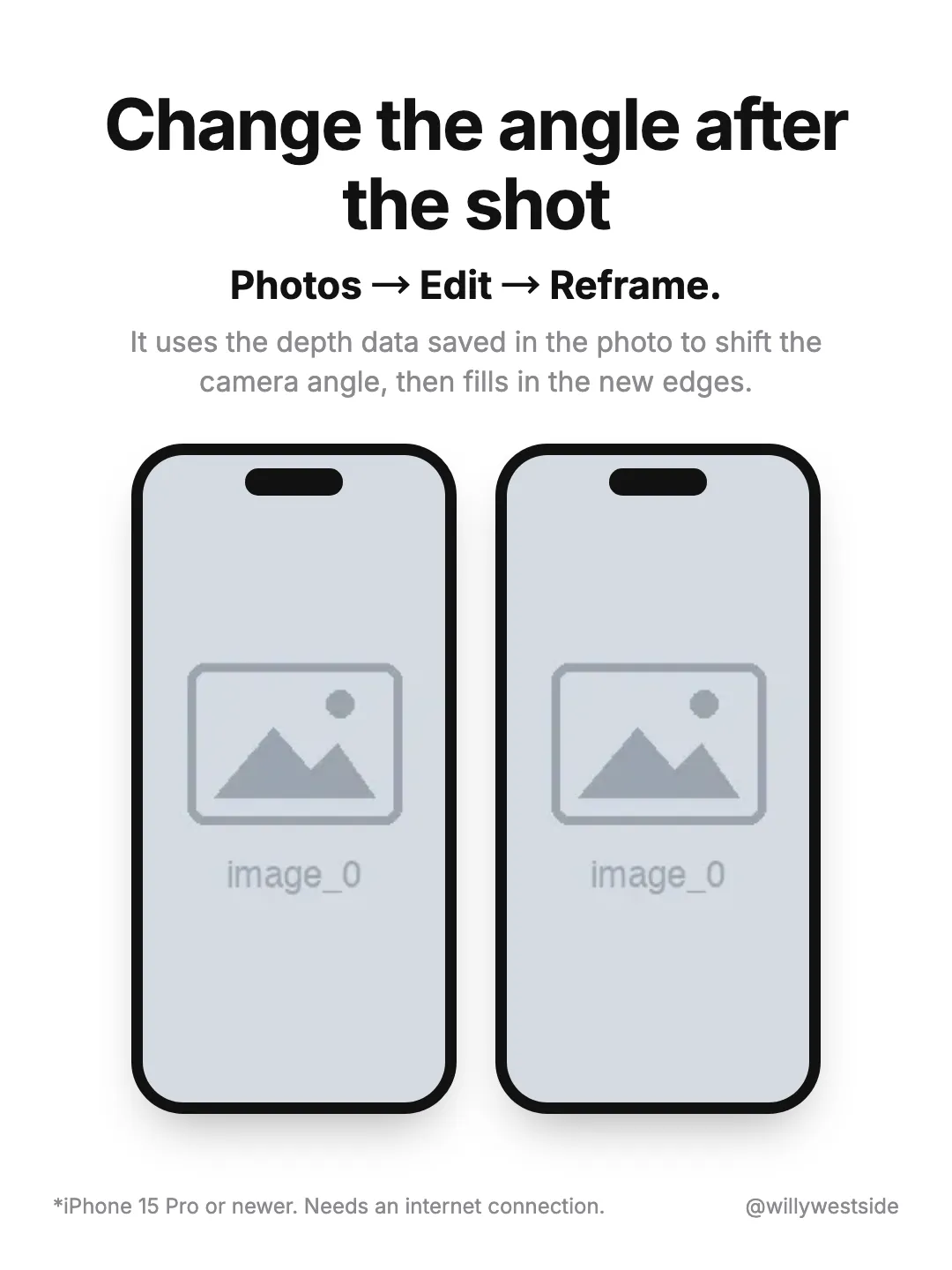
Clean white tip page: bold centered headline, bold menu path, grey explanation, two side-by-side iPhone mockups with screenshots, footnote bottom left and creator handle bottom right.
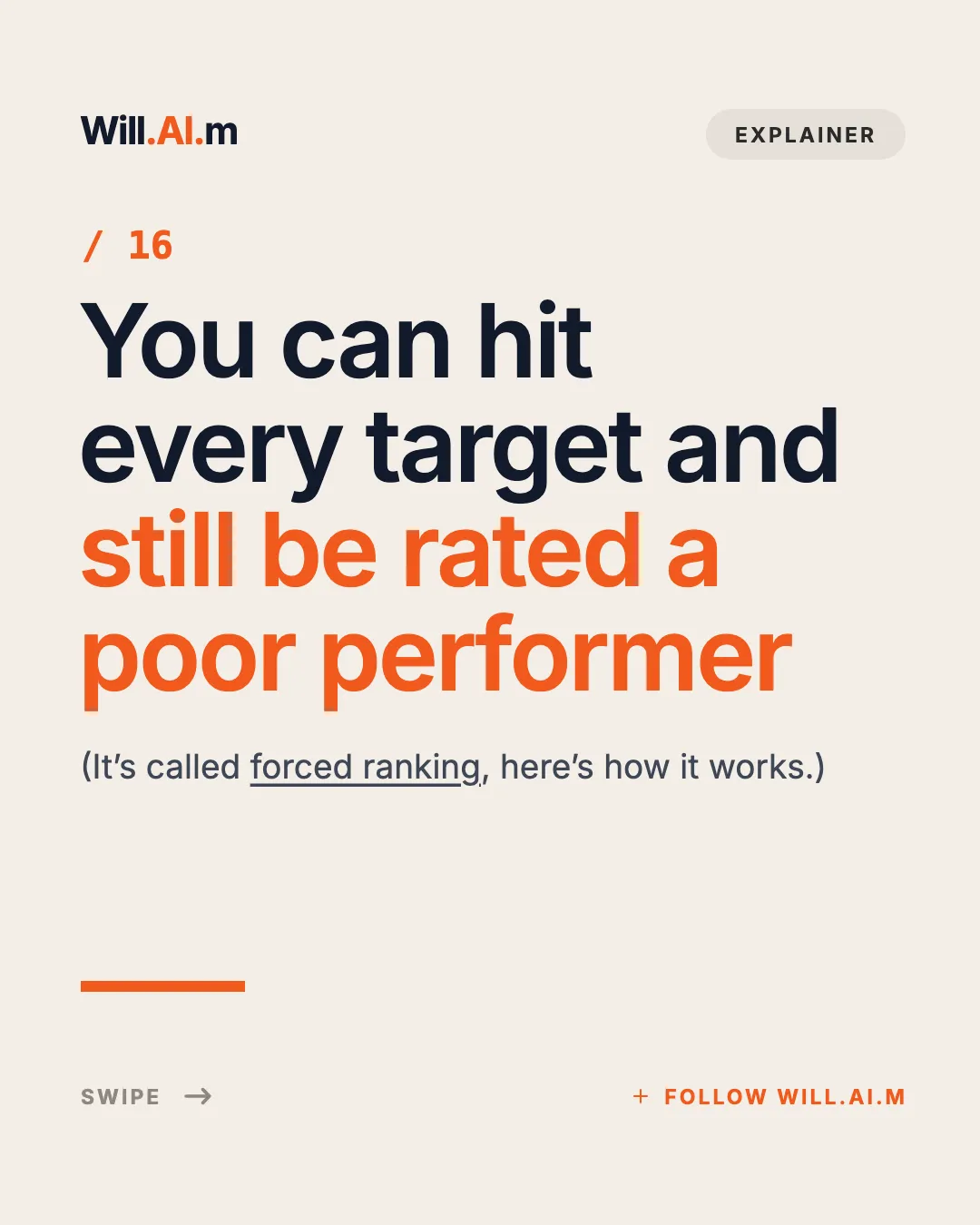
Cream editorial cover: wordmark + tag pill header, orange issue number, four-line giant headline with orange second half, underlined dek, orange rule and swipe/follow footer.
Quiet lattice closing page: italic lead line, heavy uppercase SAVE FOR LATER and an outline bookmark glyph dead center.
Minimal close on the light lattice: one centered line with a single bold plum keyword asking viewers to bookmark the post.

Black news cover: follow pill top-right, three-line white headline with blue highlight, gray dek, and full-bleed hero image fading up from the bottom half.
Clean white closing page: outlined Follow pill top right, big bold left-aligned greeting, two grey lines of pitch, round avatar beside a black FOLLOW ME capsule with handle, handle watermark bottom right.
App Store cover: dual iPhone slots for log gym equipment → auto training plan.
Light gray page with a tall iPhone frame on the left (screenshot slot) and a three-line how-to headline on the right.
| Size | 9:16 vertical, 1080×1920px |
|---|---|
| Photos per post | Up to 35 images in Photo Mode |
| Audio | Add a sound in the TikTok app before posting |
| Safe zone | Keep text out of the bottom ~25% (caption, sound) and the right edge (like/comment buttons) |
| File type | PNG or JPG; EasySociable exports a PNG pack |
| Practical length | 5–10 slides; the hook has to land on slide 1 |
Pick a template below, or ask your Agent for a TikTok slideshow with EasySociable.
Write a hook slide, 4–8 short point slides, and a closing slide (follow, save, or comment prompt).
Check the slides in Studio; keep every line inside the safe zone.
Download the PNG pack (1080×1920) and send it to your phone.
In TikTok, tap +, open Upload, select multiple photos in order, and switch to Photo mode if needed.
Add a sound, write a caption with the hook and 3–5 hashtags, and post.
Slide 1 is a thumbnail. Use a number, a contrarian claim, or a “you’re doing X wrong” line in very large type.
One short line per slide. If a slide needs a paragraph, split it; people swipe faster on TikTok than on Instagram.
Captions, the sound label, and action buttons cover the bottom and right edges. EasySociable templates keep text inside the safe zone.
End with “Follow for part 2” or a save prompt; slideshows that promise a series earn more follows.
They are the same post type. TikTok’s own name is Photo Mode: a post made of several still images, usually with music. Creators call it a “slideshow”, and marketers often say “TikTok carousel” because it swipes like an Instagram carousel.
The one real difference is from a video slideshow: if you turn images into a video (each image shown for a few seconds), viewers cannot swipe and the post is ranked as a video. For list and tutorial content, a swipeable Photo Mode slideshow is usually the better choice. Every template on this page exports 9:16 PNGs that work for both.
Make a 7-slide TikTok slideshow “6 iPhone settings you should turn off”: hook slide with the number, one setting per slide with a phone screenshot slot, and a follow-for-part-2 closer.
Create a TikTok Photo Mode slideshow with a contrarian hook (“Stop making to-do lists”), four short reasons, and a comment-prompt last slide.
Turn this list of 5 AI tools into a TikTok carousel: app icon and one-line use case per slide, big type, everything inside the 9:16 safe zone.
Full-screen 9:16 vertical canvas (1080×1920px) optimized for smartphone screens
Layout safe-zones avoid overlay from TikTok captions and action buttons
Hook-first templates: meme posters, app spotlights, numbered points
Turn a prompt or markdown draft into a swipe deck in minutes
We recommend 1080 × 1920 px (9:16) so each slide fills the screen.
A TikTok photo post can include up to 35 photos.
Tap +, choose Photo, pick your slides in order, add a sound and post, as our TikTok slideshow guide explains.
EasySociable has 48 templates across supported platforms to design your carousel in minutes.
How to Make a TikTok Slideshow
Step-by-step Photo Mode guide, 9:16 specs, and music.
TikTok & Reel Safe Zone Checker
Check UI safe areas for TikTok 9:16 and Instagram Reel videos.
Viral slideshow formulas
20 tested page orders from real TikTok slideshows.
Claude Code carousels
Generate slideshows from your terminal.
Self-improvement tips formula (7 slides)
A slideshow structure built for TikTok.