Free
Try the whole loop: your Agent writes, you edit in Studio, you download.
$0forever
No card needed
- Downloads
- 3 / month
- Brands
- 1
- Image library
- 500 MB
Let your AI agent draft from viral swipe files. Double-click to fix typos in Studio, switch brands in 1 click, and export post-ready PNGs. No credit card required.
Copies a prompt for Claude Code, Codex or Cursor. Paste it and your agent installs EasySociable, signs you in and makes it. Free, no card.
No agent handy? Sign up in the browser
Make a carousel explaining xAI's new Grok Bot
Installed the EasySociable skill
Wrote 6 pages from a viral formula
Laid out in your Brand · Studio ready
Change “like you do.” to “just like you.”
No, keep the layout. Just change the words.
Text overlaps
Round 2. And counting.
Double-click the words. Type.
Done
Nothing else moved.
Every page, live
Save it once and every carousel uses it. Switch a finished carousel to another Brand and every page follows.
Real carousels that went viral, broken down page by page. One click and your agent makes yours the same way.
 Slide 1 / 7
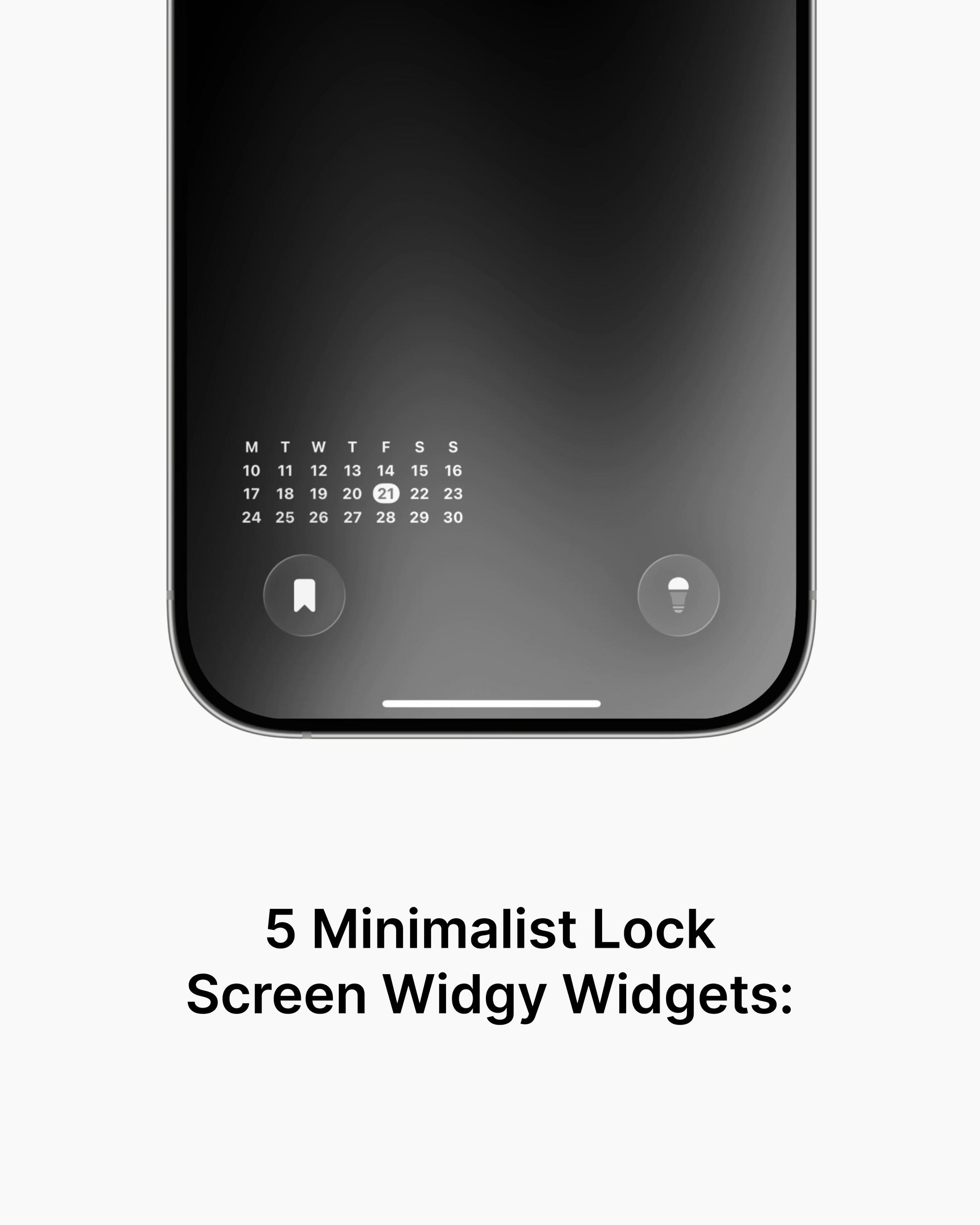
“Create a 7-slide TikTok carousel about: "5 minimalist tools that replace 10 bloated apps". Narrative structure: Opening hook (relatable friction) → 5 clean tool recommendations (one sharp value proposition per slide) → Save & bookmark CTA. Setup (skip any step already done): - If the `easysociable` command is missing, run: curl -fsSL https://easysociable.com/install.sh | bash && easysociable install --yes - If `easysociable auth status` shows not authenticated, run `easysociable auth login` and wait while I approve it in the browser. - If the easysociable-slideshow skill is not loaded yet, read ~/.claude/skills/easysociable-slideshow/SKILL.md or ~/.codex/skills/easysociable-slideshow/SKILL.md (if neither exists: https://raw.githubusercontent.com/murphywuwu/easysociable-mcp/main/skills/easysociable-slideshow/SKILL.md) and follow it.”
Try the whole loop: your Agent writes, you edit in Studio, you download.
$0forever
No card needed
For creators and founders posting every week.
$19/ month
For agencies, ghostwriters and anyone running many accounts.
$49/ month
When you use Codex or ChatGPT to generate carousel code or canvas scripts, fixing a single typo or a font size becomes another prompt: the agent regenerates, and the layout can break or other slides shift. EasySociable separates drafting from editing: your agent drafts the carousel, and in Studio you double-click any text to fix it yourself while the layout stays locked.
Yes, with one click! EasySociable completely decouples content from brand styling. You can create brand profiles (name, handle, avatar, brand colors) and switch any existing carousel to another brand instantly. The colors, fonts, handles, and avatars update automatically across all slides—ideal for multi-account creators and marketing agencies.
We analyzed top-performing viral carousels on TikTok, Instagram, and LinkedIn and extracted their narrative blueprints (proven hooks, pacing, and retention structure). You can click "Copy Prompt to Agent" on any viral carousel to grab its exact prompt blueprint, then paste it into Claude Code, Cursor, Codex, or ChatGPT to generate your own post in minutes.
It tells your agent (Claude Code, Codex, Cursor or any agent with a terminal) to install the EasySociable CLI and skill if they are missing, sign you in through the browser (free, no card), then make the carousel and send you the Studio link. Steps that are already done are skipped.
Studio editing, 3 free high-res downloads a month, 1 Brand, a 500 MB image library, and up to 20 slides per carousel. No credit card required, and all exports are 100% watermark-free. Edits in Studio never use up a download.
Copies a prompt for Claude Code, Codex or Cursor. Paste it and your agent installs EasySociable, signs you in and makes it. Free, no card.
No agent handy? Sign up in the browser