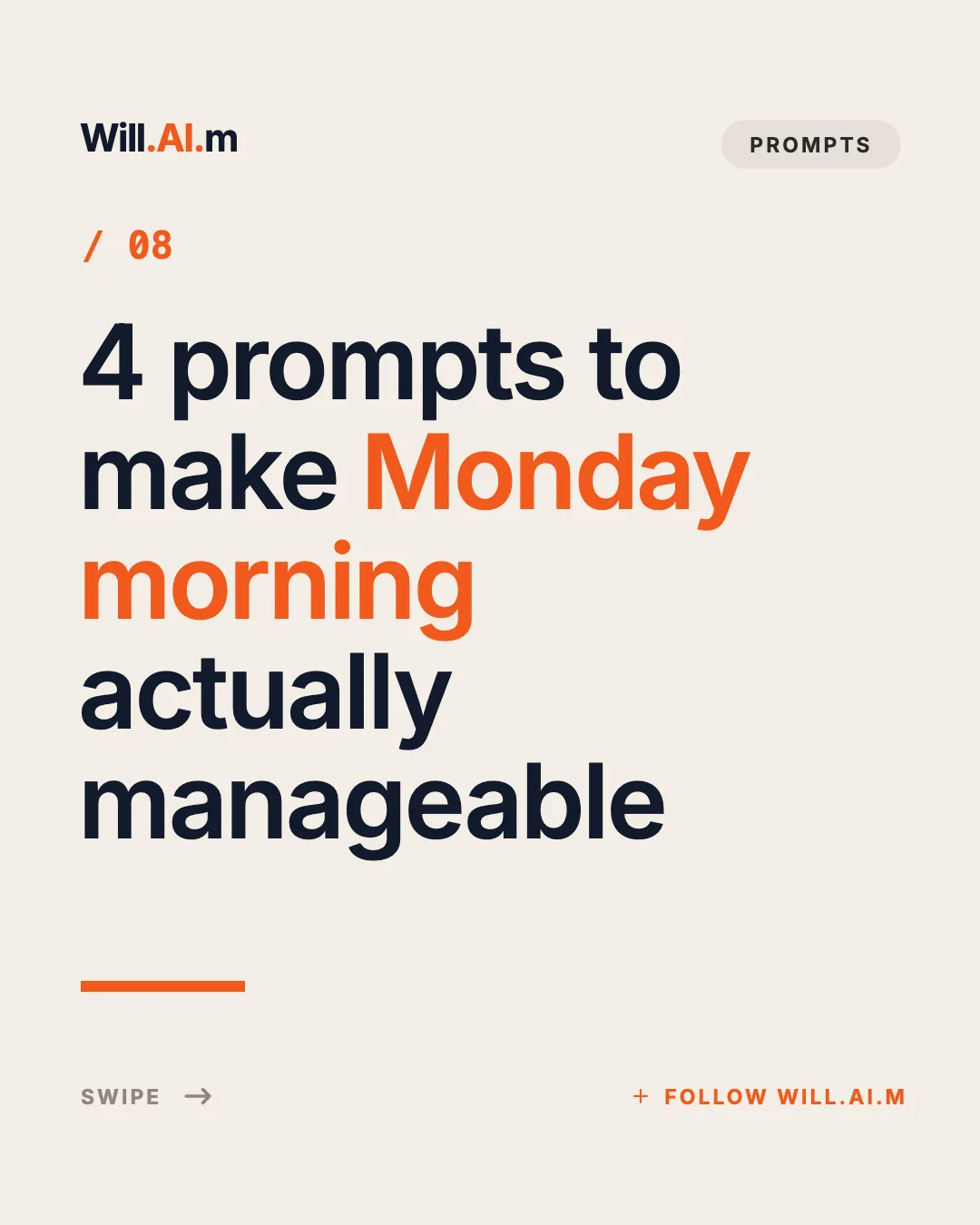
Open in Studio
Cream Five-Line Headline Poster
Cream editorial cover: wordmark + tag pill, orange issue number, five-line giant headline with an accent phrase, orange rule and swipe/follow footer.
Editorialcoverhook
Instagram templates are ready-made carousel designs you fill with your own words, sized 1080 × 1350 px (4:5) for the feed.
Portrait 4:5 swipe posts for tutorials, product showcases, and creator education, with fixed typography, consistent brand colors, and instant PNG downloads.
An Instagram carousel is a single feed post with up to 20 photos or videos that people swipe through. Carousels are the format Instagram users save most: step-by-step tutorials, tool roundups, product walkthroughs, and “what I learned” stories all fit naturally.
The templates below are chosen for the Instagram feed: bold covers, phone-screen showcases, step cards, and follow/save closers. Each one uses the 4:5 portrait canvas (1080×1350px), which takes up more of the screen than a square post.
Agent Automation
Generate this deck directly with your local AI Agent (Claude Code, Cursor, Codex):
25 Instagram templates
Cream editorial cover: wordmark + tag pill, orange issue number, five-line giant headline with an accent phrase, orange rule and swipe/follow footer.
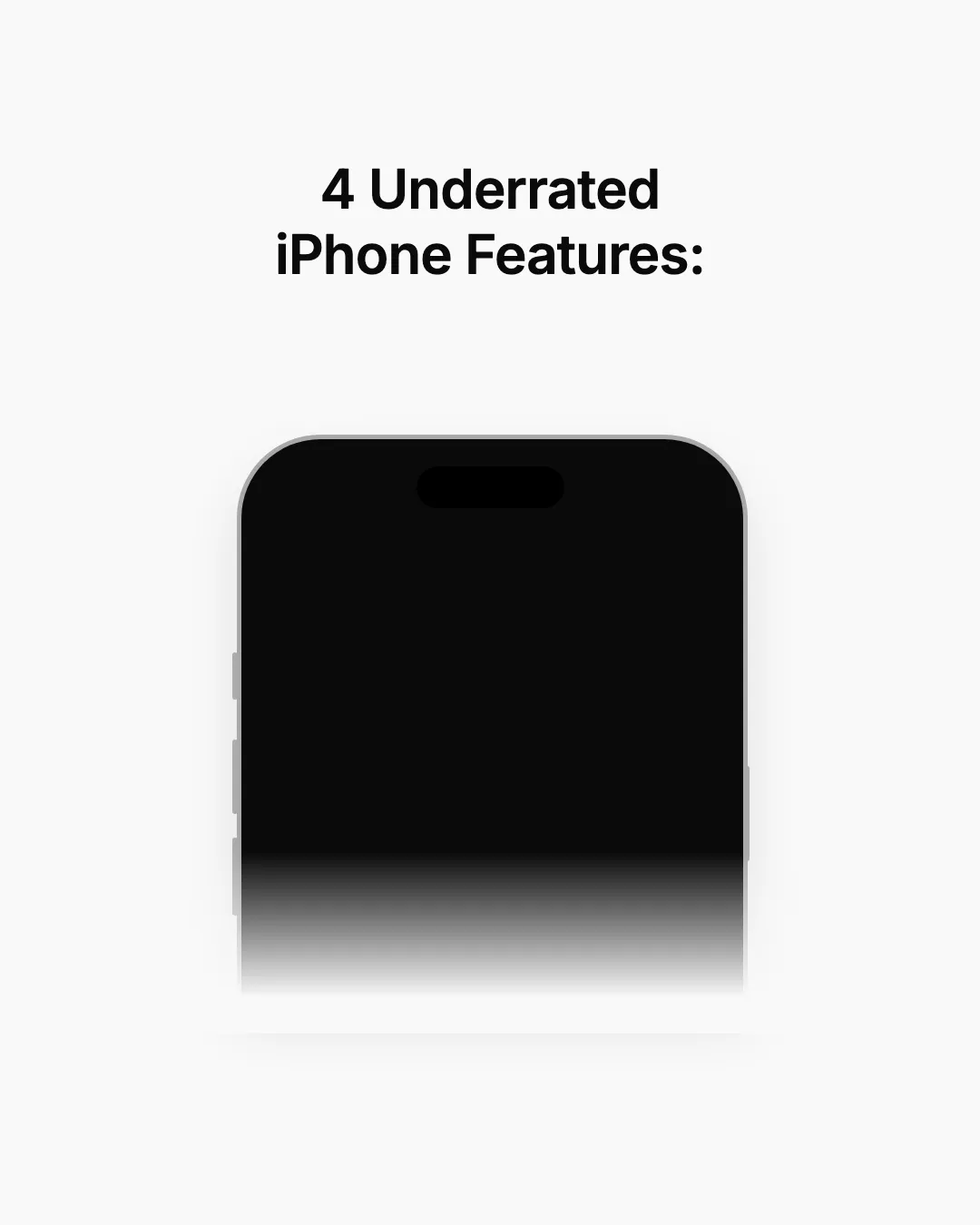
Off-white cover with a bold two-line headline above an iPhone frame whose lower half fades into the background.
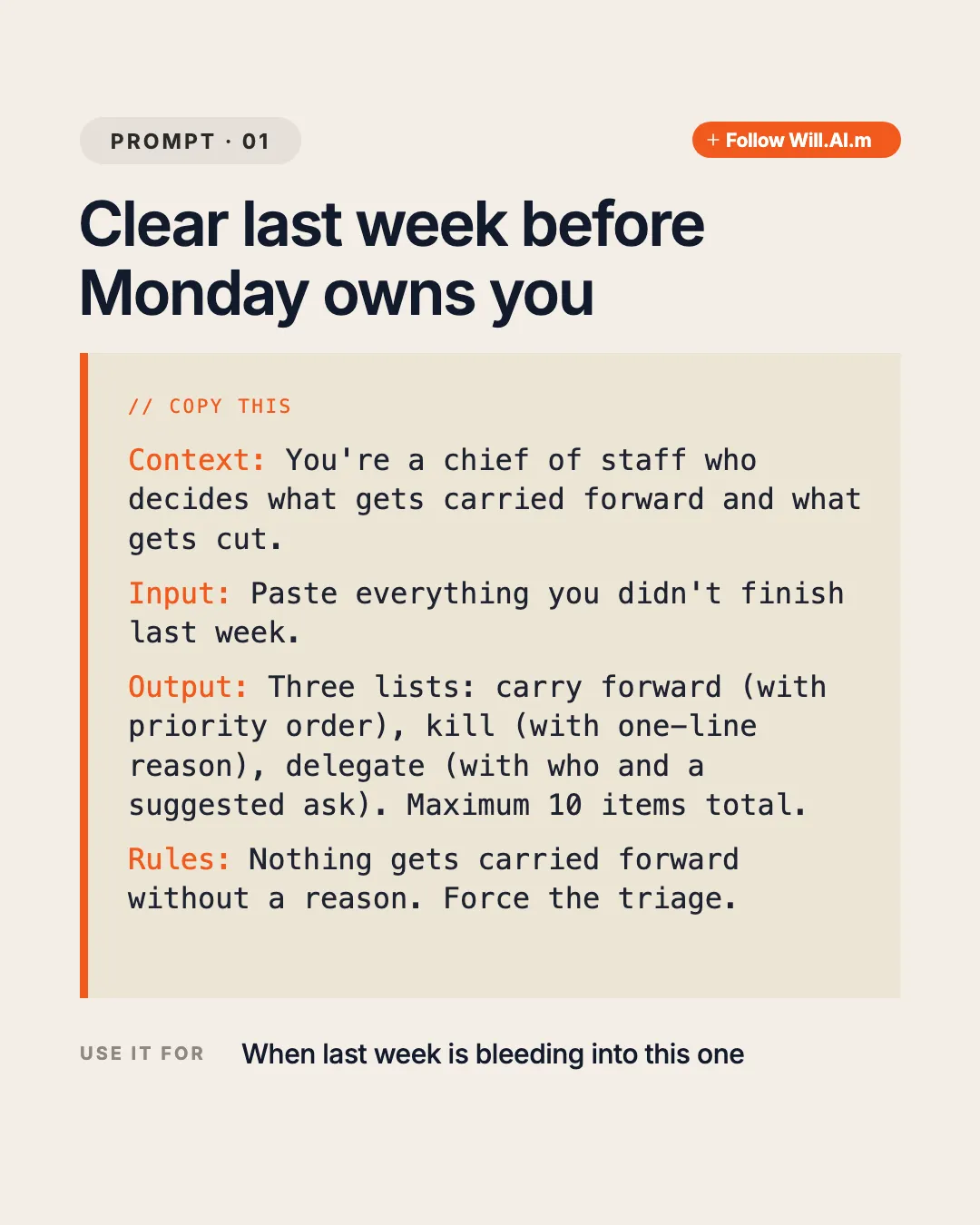
Cream prompt page: tag pill + orange follow pill, two-line title, beige card with orange rail holding a COPY THIS label and four labeled monospace sections (Context / Input / Output / Rules), plus a USE IT FOR footer.
Off-white closing page with two overlapping upright iPhone frames (two screenshot slots) above a centered Follow title and 2-line promise.
Off-white page with a centered title + 2-line caption on top and a large iPhone frame rising from the bottom edge.
Off-white page with a centered title + 2-line caption and a large iPhone frame rising from the bottom, tuned for dark lock-screen captures.
Off-white page with an iPhone frame bleeding off the top (bottom edge of the screen visible) and a centered title + 2-line caption below.
Light gray page with a tall iPhone frame on the left (screenshot slot) and a short step title plus 3-line instruction on the right.
Light gray page with a tall iPhone frame on the left (screenshot slot) and a three-line how-to headline on the right.
Warm peach App Store edit cover with dual iPhone screenshot slots and English editorial title.
Minimal close on the light lattice: one centered line with a single bold plum keyword asking viewers to bookmark the post.

Cream closing page: wordmark + END pill, giant two-line Follow for more headline with accent word, 3-line promise and a full-width orange follow button.
Minimal light-grey cover: two-line bold centered list title and three app icons stepping diagonally from top left to bottom right with soft shadows.
Light lattice cover: huge two-line title (accent word + black heavy headline), accent subtitle, grey capsule with five app-logo tiles, italic aside and Swipe cue.
Clean white closing page: outlined Follow pill top right, big bold left-aligned greeting, two grey lines of pitch, round avatar beside a black FOLLOW ME capsule with handle, handle watermark bottom right.

Full-bleed personal photo with a TikTok-style outlined two-line caption (bold keyword + small line) at the top-left.
App Store cover: dual iPhone slots for log gym equipment → auto training plan.
App Store promo: iPhone screenshot slot + Apple logo slot on Download badge.
Clean white cover: outlined Follow pill top right, huge bold centered headline, grey subline, three staggered iPhone mockups previewing the screenshots inside the carousel.
Light lattice page with one large app logo tile, bold app name, three-line centered pitch with bold keywords, tilted aside and Swipe cue.
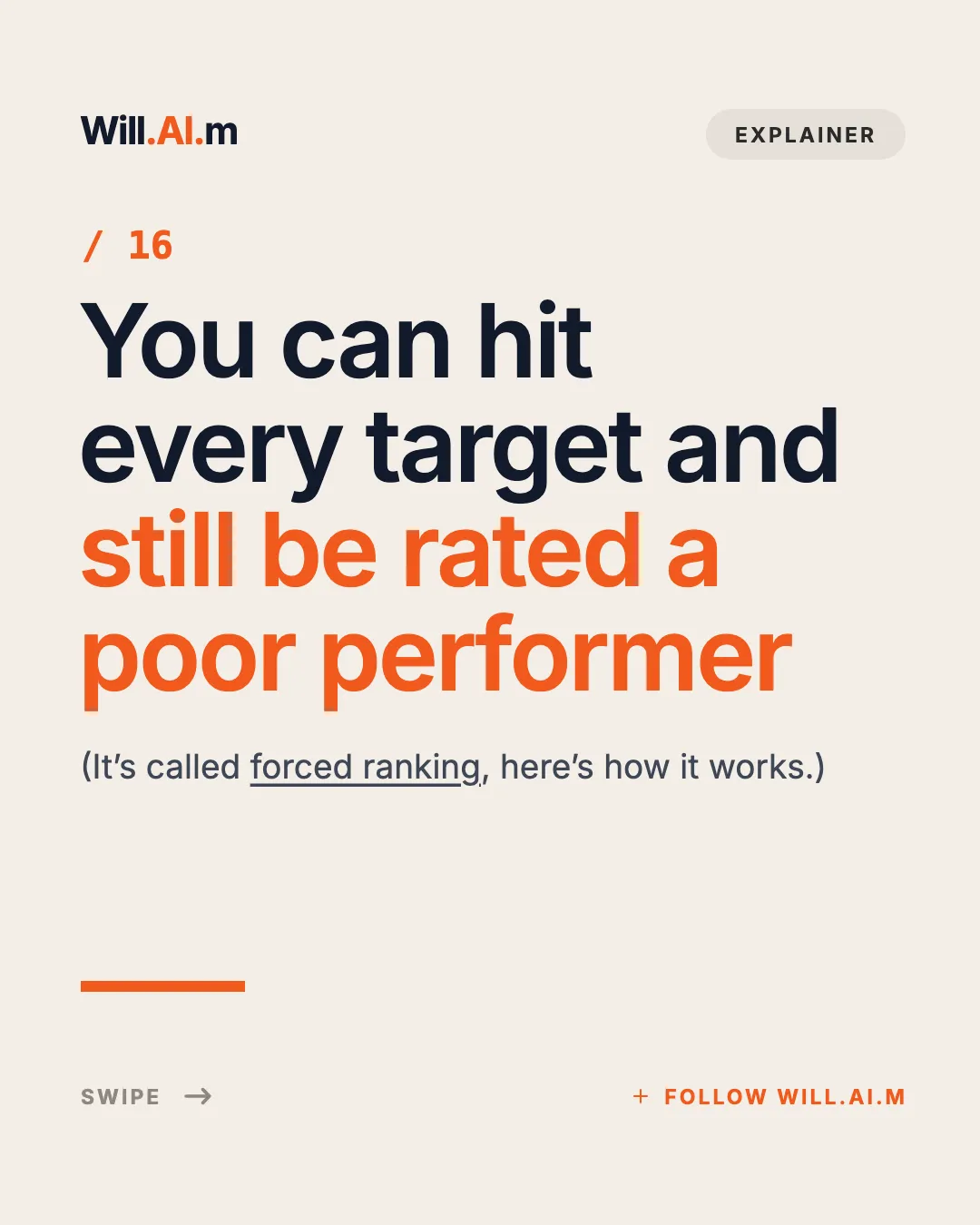
Cream editorial cover: wordmark + tag pill header, orange issue number, four-line giant headline with orange second half, underlined dek, orange rule and swipe/follow footer.
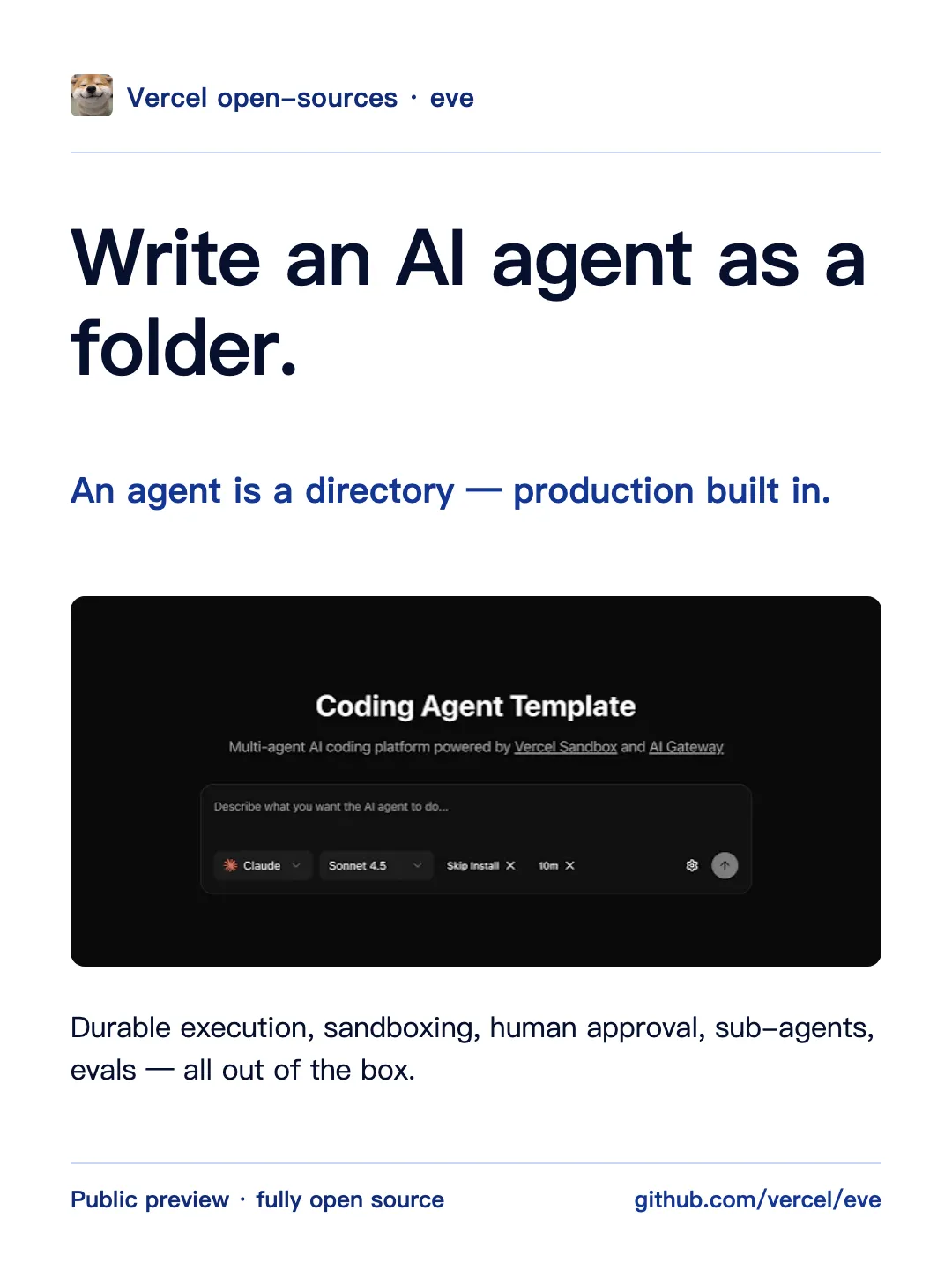
One headline claim plus one full-width hero image block, with source rail and page index
Uniform review page: black circle with white list number at left, edge-hugging black capsule with app icon at top right, bold app name, plum tagline, pitch with bold keywords, rounded tablet frame holding a website screenshot, Swipe cue.
Clean white tip page: Follow pill top right, bold centered headline, bold how-to line, grey explanation, one iPhone mockup with a floating white voice-prompt capsule (gradient orb + prompt text), footnote and handle on the bottom edge.
Clean white tip page: bold centered headline, bold menu path, grey explanation, two side-by-side iPhone mockups with screenshots, footnote bottom left and creator handle bottom right.
| Recommended size | 4:5 portrait, 1080×1350px (EasySociable default) |
|---|---|
| Other ratios | 1:1 square (1080×1080px); all slides are cropped to the first slide’s ratio |
| Slides per post | Up to 20 photos or videos |
| File type | PNG or JPG; EasySociable exports a PNG pack |
| Safe area | Keep key text away from the outer ~60px; the profile grid shows a cropped preview |
| Practical length | 7–10 slides for tutorials and listicles |
Choose a template below, or ask your Agent for an Instagram slideshow with EasySociable.
Write a cover that names the payoff, 5–8 content slides, and a last slide that asks for a save or follow.
Review in Studio; swap images or fix line breaks without moving the layout.
Download the PNG pack (all slides in 1080×1350).
In Instagram, tap +, choose Post, tap “Select multiple”, and pick the slides in order.
Add a caption that repeats the hook, add alt text if you like, and share.
Lead with a number or a bold claim (“9 apps that replaced my to-do list”). Keep the cover readable as a small grid tile.
One step, tip, or screenshot per slide. Readers save carousels they want to come back to, so make each slide useful on its own.
Phone screenshots and product shots stop the scroll; a one-line caption on the slide explains why it matters.
A dedicated closing slide (“Save this for later”) consistently does better than a CTA buried in the caption.
Create an 8-slide Instagram carousel “7 free apps every freelancer should have”: a cover with the number, one app per slide with a screenshot slot and one-line benefit, and a save-for-later closer.
Turn my recipe notes into an Instagram carousel in 4:5: cover photo with the dish name, ingredient slide, four step slides, and a follow CTA.
Make a before/after Instagram carousel for my portfolio redesign: cover, three before/after pairs, one result slide, and a DM-me CTA, using my saved brand colors.
4:5 portrait format occupies maximum vertical screen space in user feeds
Your saved Brand (name, handle, avatar, color) on every one of up to 20 slides
Designed for creator education, product showcases, and storytelling
Instant export as high-resolution PNG pack
We recommend 1080 × 1350 px (4:5) for every slide.
Instagram keeps photos up to 1080 px wide at their original ratio when it is between 1.91:1 and 3:4, and the orientation you pick applies to every slide in the post.
Instagram carousels allow up to 20 photos/videos in a single post.
EasySociable has 48 templates across supported platforms to design your carousel in minutes.
Instagram Carousel Size Guide
2026 dimensions, aspect ratios (4:5 vs 1:1), and limits.
Instagram Post Size Guide
Feed, Story and Reels sizes in pixels, and what gets cropped.
Social Media Image Sizes
Every Instagram, LinkedIn, YouTube and Facebook size in one place.
Instagram Carousel Guide
Step-by-step creation, verified limits, and common mistakes.
How to Post Multiple Photos
Complete walkthrough to upload up to 20 photos and videos.
Instagram Carousel Splitter
Cut one wide image into seamless swipe slides.
Instagram Grid Maker
Split any image into 3x1, 3x2, or 3x3 profile grids.
Social Safe Zones Checker
Preview Instagram Reel, Story, and Feed UI safe areas.
Quote Image Maker
Design aesthetic quote graphics and cards for Instagram.
Canva alternative for carousels
Why a fixed layout system beats dragging boxes per post.
Productivity tips formula (6 slides)
A tested page order for tip carousels.
Markdown to carousel
Paste notes, get 4:5 slides, no signup.